Introduction
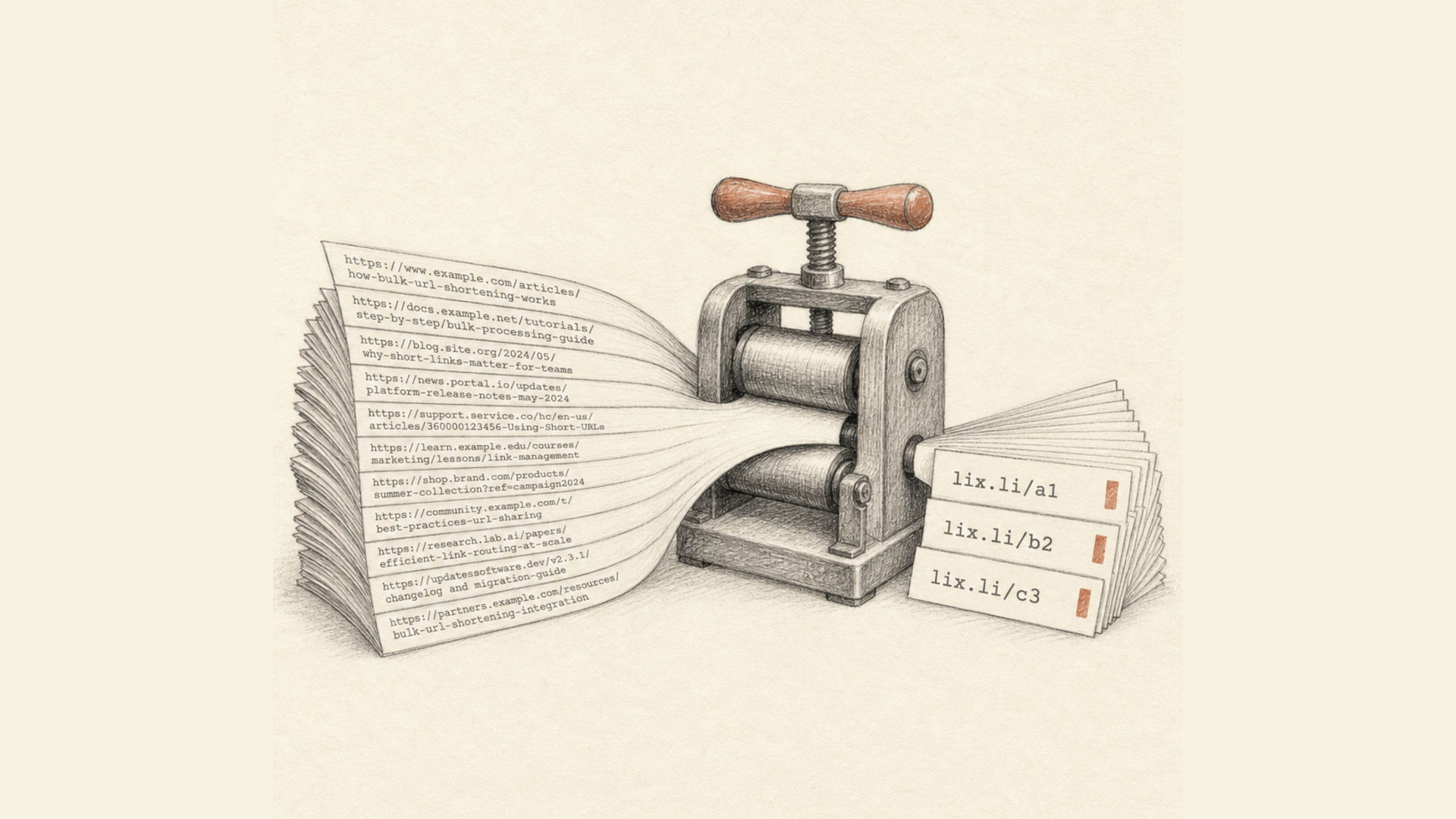
A link like lix.li/promo2024 works just fine, but it doesn't tell the user anything about who created it. A link like go.yourbrand.com/promo2024 is a different story entirely — it's recognizable, builds more trust, and reinforces the company's reputation with every click. That's a custom domain for short links: one of those details that looks minor at first glance but noticeably affects conversion and brand perception in practice.
In this article, we'll cover why businesses use their own domain instead of a shared link shortener domain, how a subdomain differs from a top-level domain, and how to connect a domain in Lix.li in just a few minutes.
What Is a Custom Domain for Short Links
A link shortening service typically issues links on its own domain — for example, lix.li/xyz. The custom domain feature lets you use your company's own domain instead: something like go.acme.com/xyz or acme.link/xyz. Technically, it's still the same short link, with the same analytics and the same settings — it just looks like part of your own website rather than a third-party service.
You connect the domain once through the dashboard, and after that you can select it whenever you create a new link — just as easily as picking the service's standard short domain.
Why Businesses Need This
Audience Trust
One of the biggest barriers to clicking a short link is its opacity: the user can't see where it leads until they click. Many people have run into phishing links and grown wary of shortened addresses from unfamiliar domains. When a link shows a domain the user already knows, it noticeably reduces that hesitation and increases the likelihood of a click — especially in email campaigns, SMS, and ads, where the decision to click happens in a split second.
Brand Recognition and Consistency
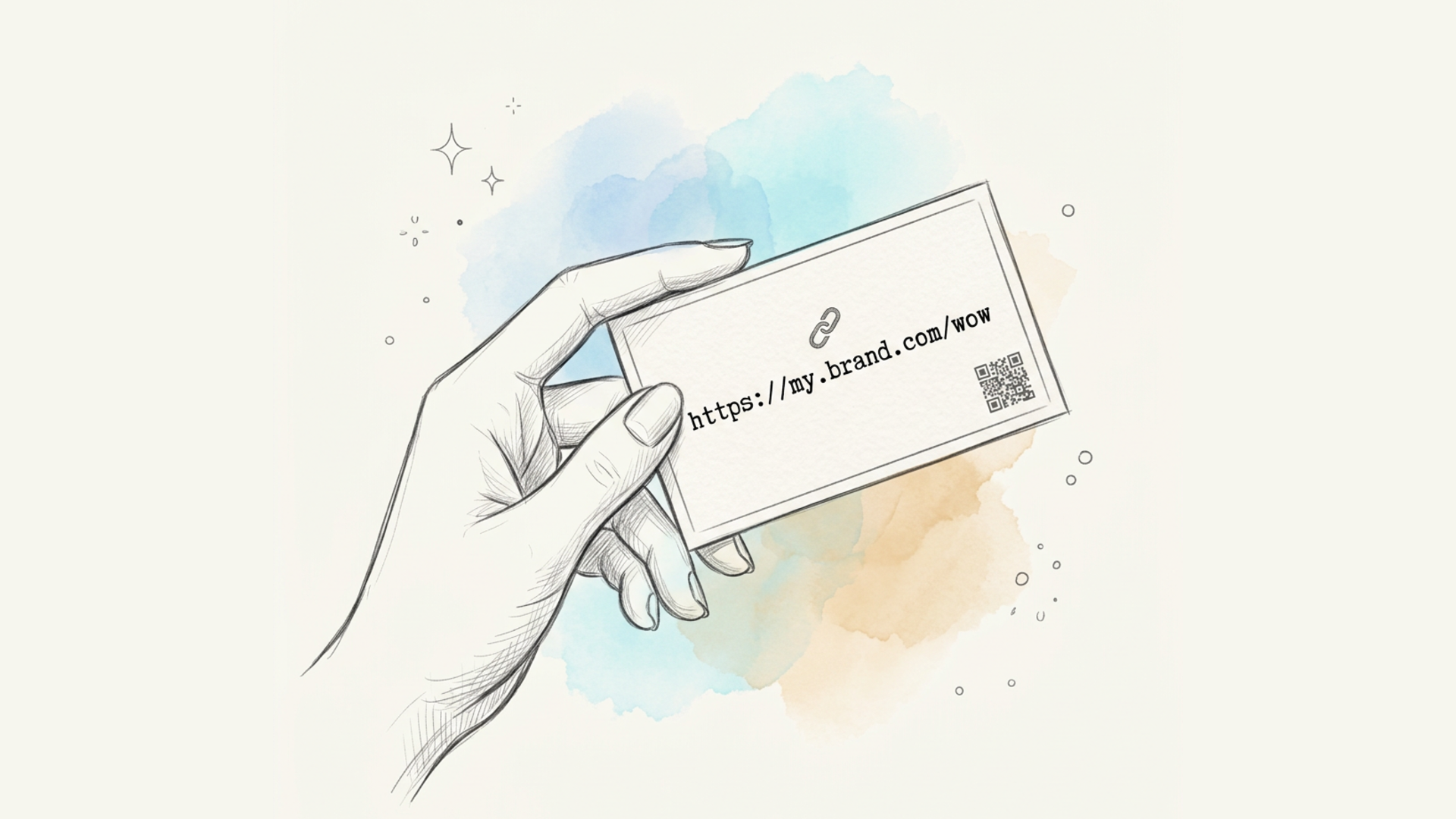
A link is part of your customer communication, just like a logo or a brand color. A domain like go.acme.com in an ad, an email, or on a business card reinforces brand recognition and keeps the communication cohesive: the customer sees your company's name at every touchpoint, not the name of a third-party service.
Potential SEO Impact
If a company actively works with external links — publishing press releases, guest posts, or partner content that links back to its site — using its own domain instead of a third-party shortener looks more organic to search engines. Links on a branded subdomain or domain read as a natural part of the company's digital presence, rather than a hop through a third-party service, which matters especially when building a link profile or analyzing traffic sources.
Full Control Over Analytics in a Familiar Interface
Every click on a link using your own domain gets logged in the exact same analytics system as regular short links — the only difference is that the entire customer journey, from an email click to the landing page, stays within domains associated with your brand.
Subdomain or Top-Level Domain — Which to Choose
Lix.li supports both, and the choice usually comes down to what the company needs:
- A subdomain (like
go.acme.comorl.acme.com) — the most common and simplest option to set up. It doesn't touch your main company domain and takes just one DNS record, configured in a few minutes. - A top-level or standalone domain (like
acme.link) — a good fit for companies that want a separate, short, memorable domain dedicated specifically to links. These domains are often even shorter than a subdomain of the main site, saving extra space on SMS, business cards, and printed materials.
Both options work identically in terms of service functionality — the difference is only in what the DNS record looks like during setup.
How to Connect Your Own Domain in Lix.li
- Open the "Domains" section in your Lix.li dashboard.
- Click "Add domain" and enter the domain or subdomain you want (for example,
go.acme.com). - The service will show you the DNS record to add in your domain's settings:
- for a subdomain — a CNAME record pointing to Lix.li;
- for a top-level (apex) domain — an A record pointing to an IP address.
- Add that record in your DNS provider's or registrar's control panel.
- Go back to your Lix.li dashboard and click "Verify" — the service will check the DNS record and, once everything's set up correctly, switch the domain's status to "Active."
DNS changes sometimes take a few hours to propagate rather than applying instantly — that's normal, and you can simply retry the check later.
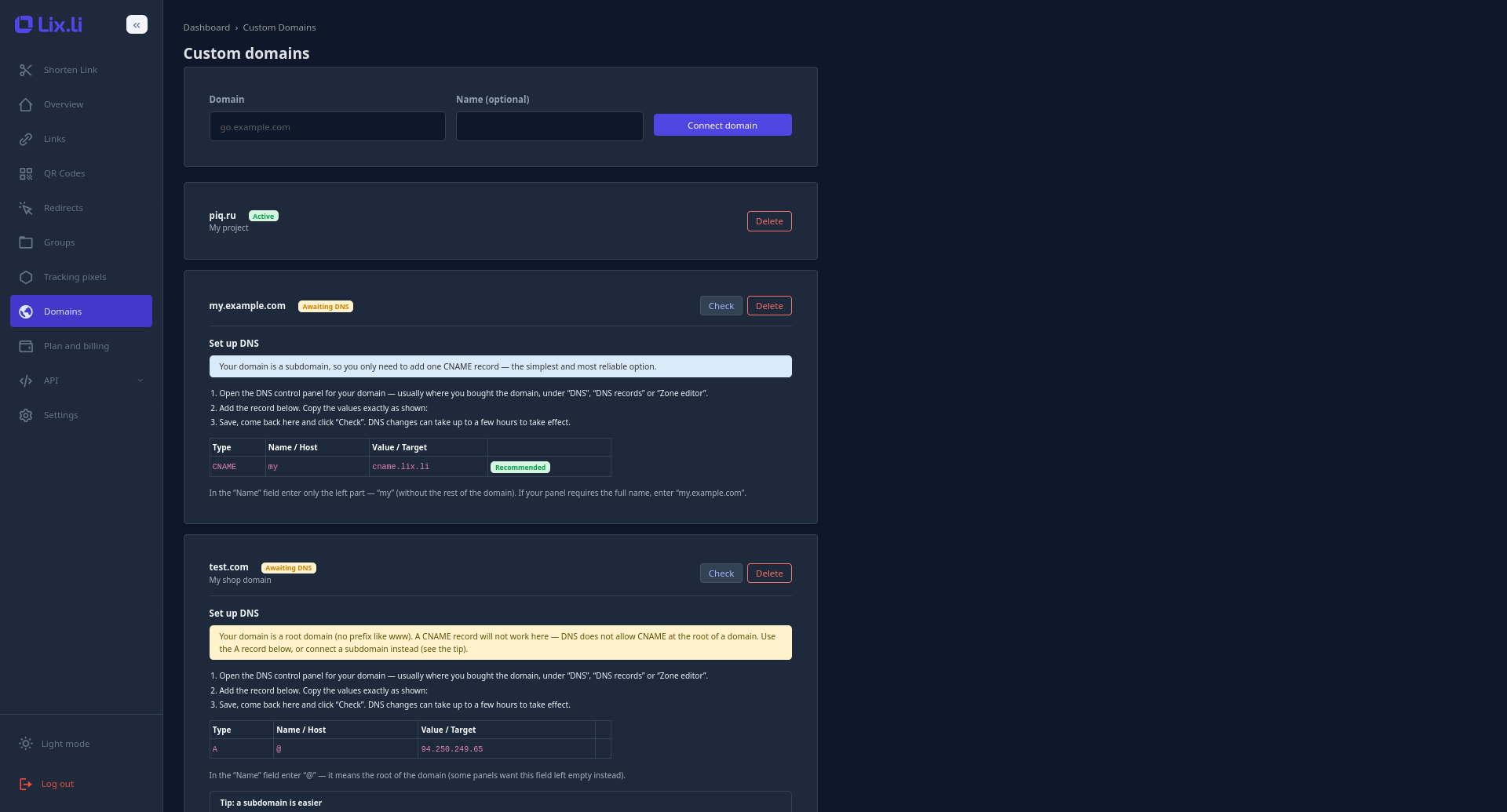
Once a domain becomes "Active," the service automatically issues and renews an SSL certificate for it — no extra steps needed from you regarding certificates. Links on your own domain load right away over a secure HTTPS connection.
How to Create a Link on Your Own Domain
Once a domain is connected and active, using it when creating links is just as simple as picking the standard short domain:
- When creating a new short link, open the domain dropdown.
- Select your custom domain from the list — it appears there as soon as it's activated.
- Enter the alias you want (or leave the auto-generated one) and finish creating the link as usual.
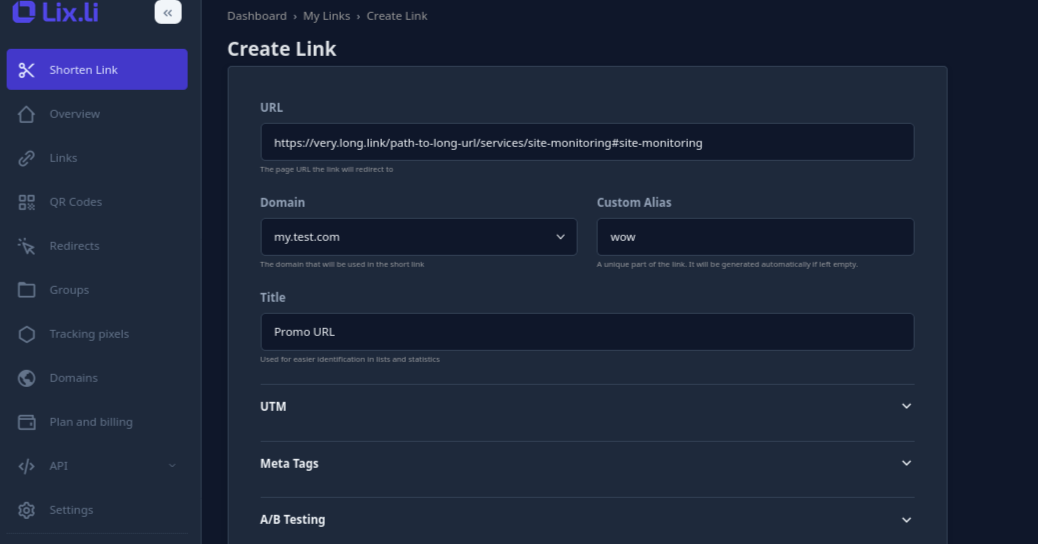
The finished link will look like go.acme.com/promo instead of lix.li/promo, while keeping every bit of the service's functionality — click analytics, editing, expiration dates, and other settings.
What to Know Before Connecting a Domain
- A single account can connect multiple domains — how many depends on the plan.
- A custom domain can't be changed on a link that's already been created — this is because the domain defines the space where a given alias is unique. If you need to switch domains, it's simpler to create a new link on the domain you want.
- If you disconnect a domain, every link created on it stops working — so only disconnect a domain once you're sure it's no longer being used in any material that's already been published.
Conclusion
A custom domain for short links is a simple way to turn a technical necessity — shortening long URLs — into an additional piece of brand communication. It builds audience trust in a link before anyone even clicks it, keeps customer communication more cohesive and consistent, and fits naturally into a company's broader SEO strategy if it actively works with external links. Setup takes just a few minutes — and the payoff shows up with every click on a link carrying your domain.