Introduction
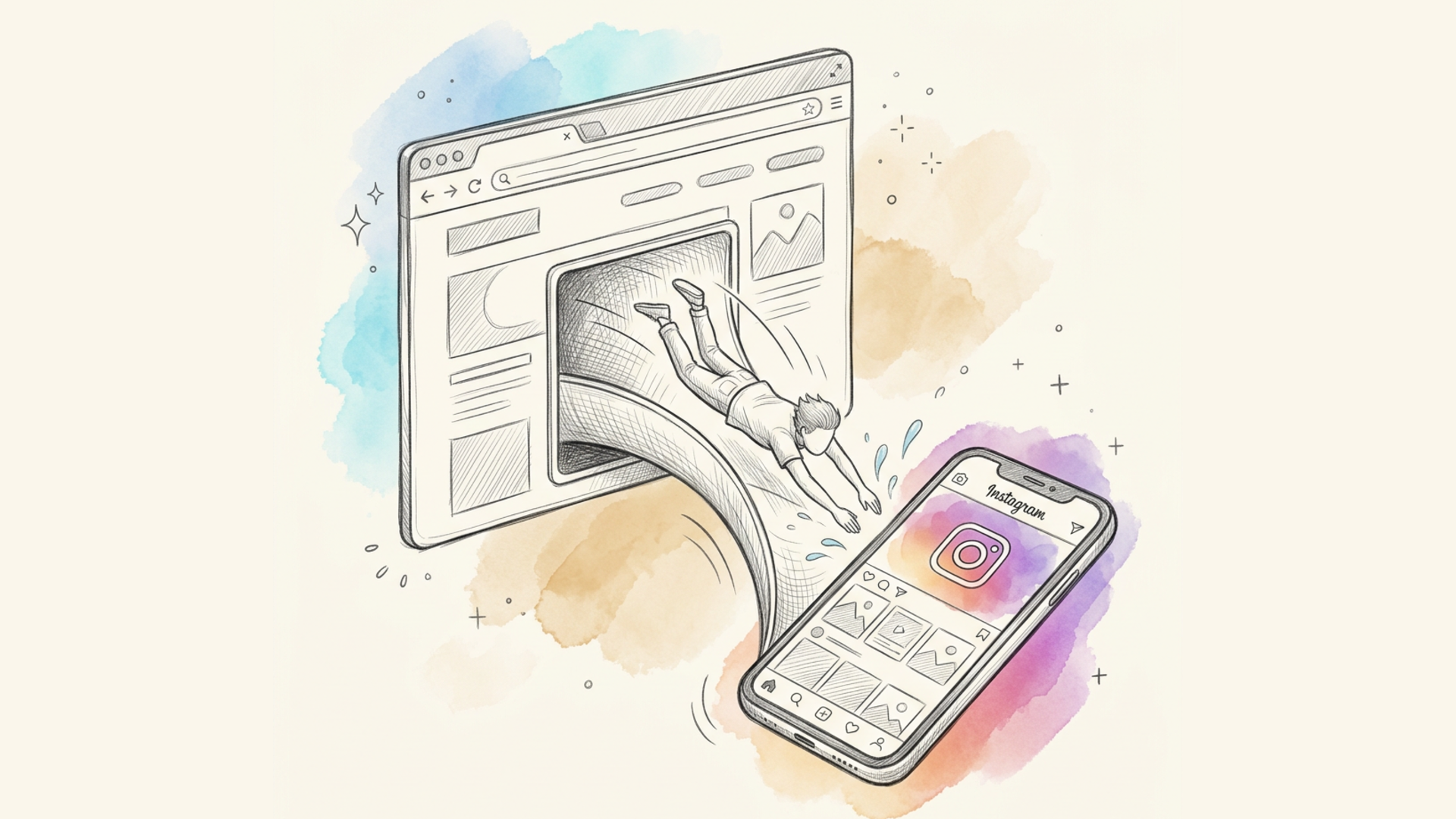
Picture this: you've put a link to your Instagram in your bio, and a follower taps it from their phone. Instead of opening in the app they already have installed, the link opens a stripped-down mobile website — complete with "install the app" banners, a login prompt, and awkward layout. Someone who already has the app on their phone has to manually search for the right profile inside it. That's exactly the problem deep link technology solves. In this article, we'll cover what it is, how it works across different devices, and how to create one using Lix.li.
What Is a Deep Link
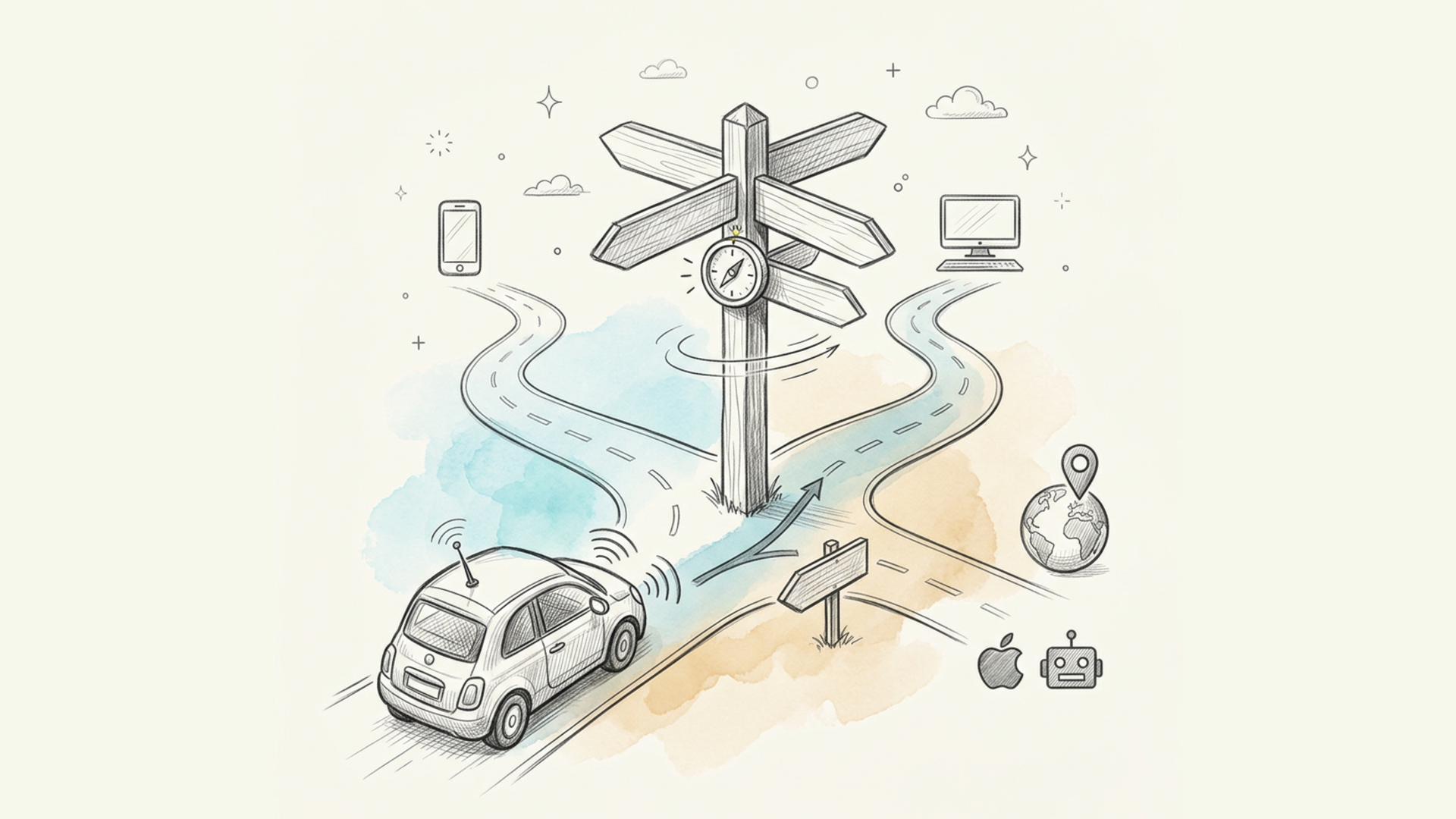
A deep link is a short link that, when clicked, opens the target app (Instagram, YouTube, TikTok, and others) if it's installed on the user's device — and if it isn't, it opens a regular browser instead. In other words, the exact same link behaves differently depending on what's installed for that particular person: for some, it opens the app directly at the right screen (a profile, a video, a track); for others, it opens a web page in the browser. The user never notices this "fork in the road" — they simply land where they need to, in whatever way is most convenient for them. This feature is especially useful for bloggers, social media managers, brands, and musicians — anyone driving traffic to social media who wants the click to feel seamless and convert better into follows, views, or listens.
How Deep Links Work, Technically
The key thing about this technology is that whether a specific app is installed can only be determined on the user's own device — a server has no way of knowing that. That's why the "fork" between app and browser isn't handled by a server at all, but by a small intermediate page that opens for a split second when the link is clicked. Here's how the process plays out:
- The user clicks the short link
lix.li/xxxxxx. - Lix.li recognizes that the destination URL belongs to a known app.
- A brief "loading" page opens, showing your logo and the message "Opening in …".
- Depending on the device, this page attempts to open the app:
- Android — the app opens directly, and if it isn't installed, the browser opens instantly instead;
- iPhone/iPad — the system tries to open the app, and if nothing happens within roughly 1.5 seconds (meaning the app isn't installed), the browser opens;
- Desktop — the web version opens immediately, since mobile apps don't exist on desktop.
- The page always includes an "Open in …" button and a "Continue in browser" link, in case the user wants to choose manually.
Behavior by Platform
| Situation | What happens |
|---|---|
| Android, app installed | The app opens to the right screen |
| Android, app not installed | The web version opens in the browser |
| iPhone/iPad, app installed | The app opens |
| iPhone/iPad, app not installed | The browser opens after ~1.5 sec |
| Desktop | The web version opens right away |
| The link doesn't point to an app (a regular website) | A normal redirect, with no intermediate page |
Which Apps Are Supported
Deep links recognize links from popular services. For some of them, Lix.li builds an exact link to a specific screen — a profile, video, or track. Where a precise deep link isn't possible, the app will still open on Android based on the address, while iPhone falls back to the web version.
| App | Example links | Exact screen (iOS) |
|---|---|---|
instagram.com/username |
Profile | |
| YouTube | youtube.com/watch?v=…, youtu.be/…, youtube.com/shorts/… |
Video / Shorts |
| TikTok | tiktok.com/@user/video/… |
Video |
| X (Twitter) | x.com/user, x.com/user/status/… |
Profile / Tweet |
| Telegram | t.me/username, t.me/+invite |
Channel / Invite |
| Spotify | `open.spotify.com/track | album |
pinterest.com/pin/… |
Pin | |
| VK | vk.com/… |
App opens (Android) |
reddit.com/… |
App opens (Android) | |
facebook.com/… |
App opens (Android) | |
| The list of supported apps keeps growing. If the service you need isn't there yet, you can reach out to support — adding a new app doesn't require any changes to links you've already created. |
Plan Availability
Deep Links are available on the PRO and Premium plans. On the free plan, the feature's toggle is shown locked, with a prompt to upgrade.
How to Create a Deep Link in Lix.li: Step-by-Step Guide
You can create a link that opens an app in just a few minutes, right from your Lix.li dashboard.
Step 1 — Create or open a link
Go to the "My Links" section and create a new short link, or open an existing one for editing.
Step 2 — Paste the app's URL
In the URL field, paste a link to the content you want inside the app — for example, an Instagram profile or a YouTube video: https://www.youtube.com/watch?v=dQw4w9WgXcQ
Step 3 — Turn on "Open in App"
As soon as Lix.li recognizes the app from the address, a hint appears below the URL field — "App detected: YouTube" — along with an "Open in App" toggle.
- For recognized links, the toggle is switched on automatically — there's nothing else you need to do.
- If you don't want a specific link to open in the app — for example, if you need to keep the traffic strictly in the browser to preserve UTM parameters — just switch the toggle off.
- If the app isn't recognized (it's a regular website), the toggle won't appear at all, and the link will behave like a standard short link.
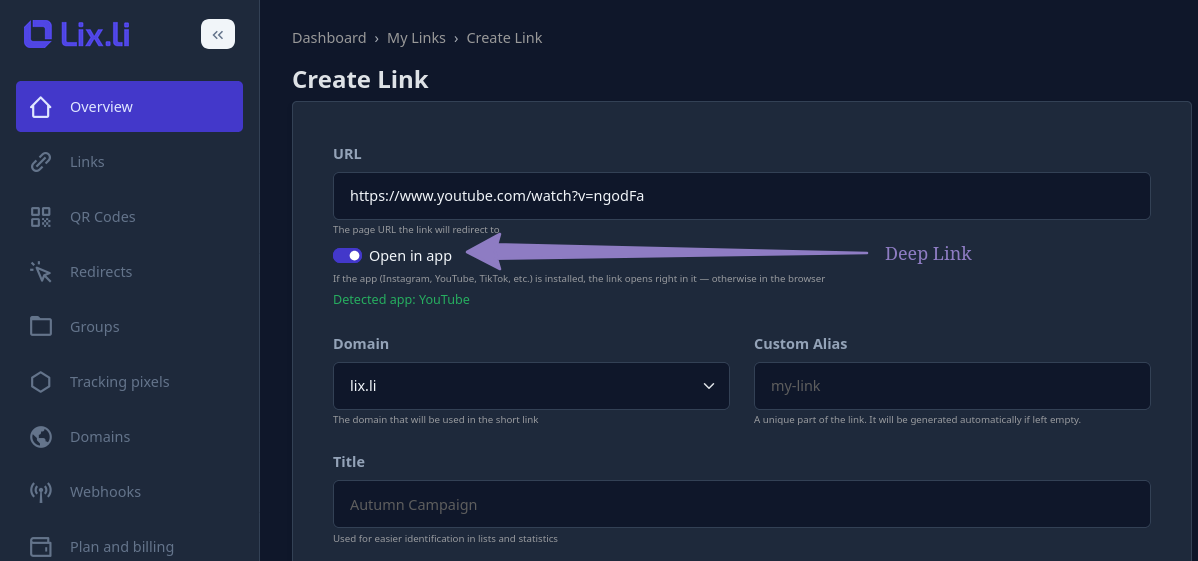
Step 4 — Save and share the link
Click "Save." That's it — you can now share the link anywhere: in a story, in your bio, in an email newsletter, on a business card. It will automatically choose what to open — the app or the browser — depending on the recipient's device.
What Your Visitor Sees
When someone clicks the link, a clean page briefly appears showing your logo and the message "Opening in …", after which the app opens (or the browser, if the app isn't installed). The page always includes an "Open in …" button and a "Continue in browser" link.
Compatibility with Other Features
Deep Links work well alongside the rest of the service's features:
- Link passwords. The visitor enters the password first, and only then does the link open the app — both mechanisms work together without conflict.
- A/B testing. The deep link is applied to whichever URL variant a given visitor was assigned within the test.
- UTM parameters. When opening in an app, some UTM parameters may not carry over — this is a limitation of the apps themselves, not of the service. If end-to-end UTM tracking matters to you, turn off "Open in App" for that specific link so the click always goes to the browser with all parameters intact.
- QR codes. A QR code points to the same short link, so the app-opening logic works the same way when the code is scanned.
Limitations and Important Nuances
- iPhone/iPad work on a "best-effort" basis. Apple restricts automatic app opening from browsers. In most cases the transition works correctly, but sometimes the system may show a confirmation prompt or require the user to tap "Open in …" manually — which is why that button is always present on the page.
- In-app browsers on social platforms. If a link is opened from inside another app — say, the Instagram feed, TikTok, or a messaging app — that app's built-in browser can sometimes block the transition to a third-party app. In that case, the "Open in …" button or the "Open in external browser" option in the "⋯" menu helps.
- There's no 100% guarantee. This is a "best-effort" technology: if the app is installed and the device allows the transition, the app opens; otherwise, the browser does. Either way, the user ends up on exactly the content they were looking for.
- Detection happens from the URL itself, not from a hardcoded list. The app is recognized from the URL on every click, so the list of supported services can be expanded without needing to recreate any links you've already made.
Frequently Asked Questions
Does the visitor need to install anything? No. If the app is already installed, it opens; if not, the browser opens instead. Nothing needs to be downloaded. The link "flashes" an intermediate page before opening — is that normal? Yes, that's expected behavior. That page is exactly what makes the choice between app and browser; it's shown for only a split second. Can I send this kind of link in a DM, a story, or a newsletter? Yes, anywhere. There are no restrictions on the distribution channel for the link. What if my app isn't on the list? Reach out to Lix.li support — adding a new service to the list of supported apps won't require any changes to links you've already created. Why does a desktop always open the website instead of an app? Desktops don't have mobile apps in the traditional sense, so opening the web version is the correct behavior. Will my UTM parameters be preserved? When opening in the browser — yes, all parameters are preserved. When opening in the app, some parameters may be lost — that's a limitation of the apps themselves. If strict UTM tracking matters to you, turn off "Open in App" for that link.
Conclusion
A deep link removes the extra step between a link and its target content: instead of sending a follower to an awkward mobile website, the link opens the app they already have installed, right at the relevant screen. This matters most for bloggers, brands, and social media managers, for whom every extra step a user has to take chips away at conversion. With Lix.li, you can create a deep link in just a few minutes: paste in the address of the content you want inside the app, and the service will suggest turning on "Open in App" for you — from there, the link will work equally well on Android, iPhone, and desktop.