A normal web address tells you a lot about itself. You can see the domain, the zone, usually the section of the site. Before you click, you have already noticed if something is off.
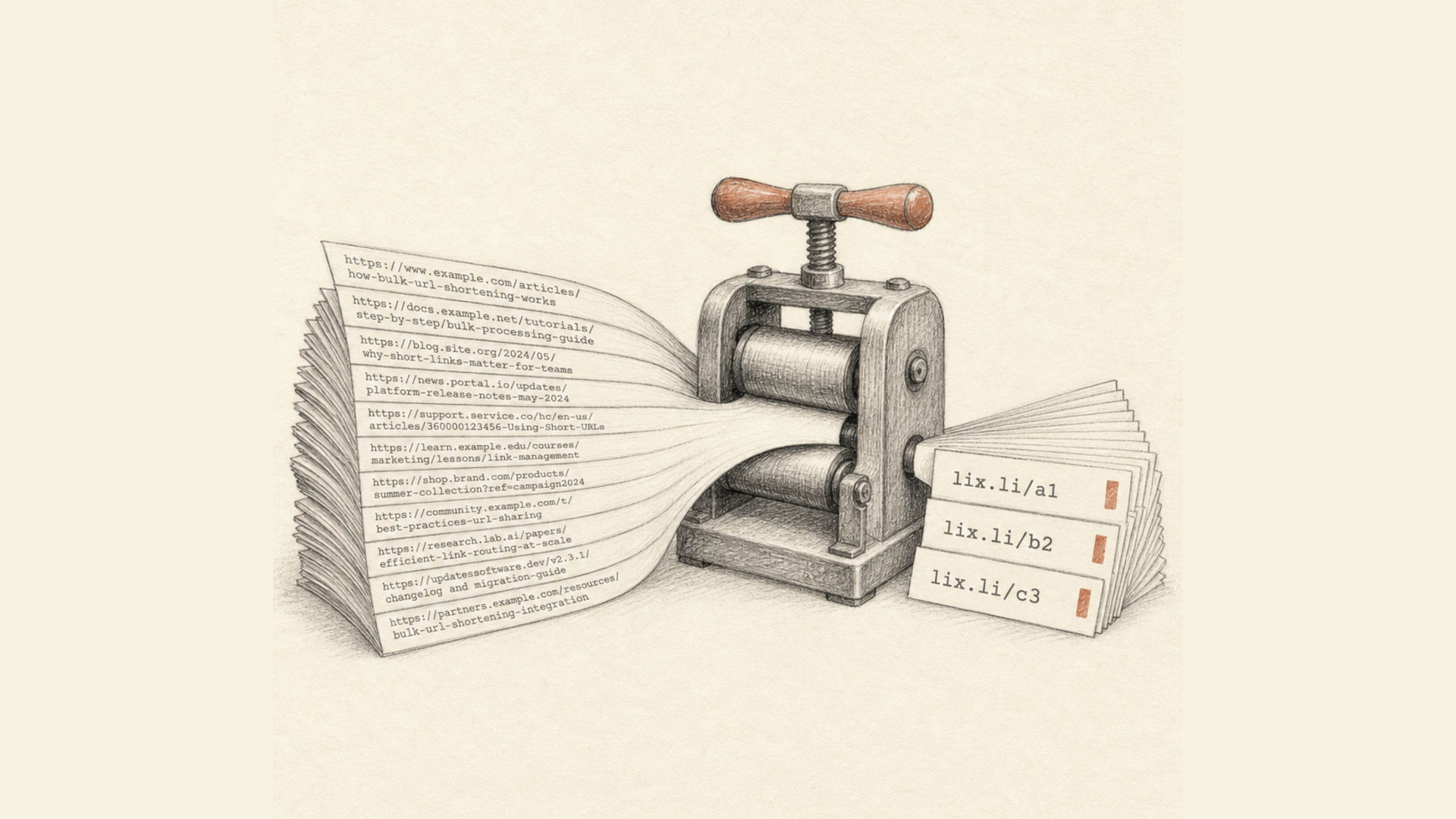
A short link works the opposite way. It shows the shortener's domain and a handful of random characters, and nothing else. Hiding the destination is not a side effect here — it follows directly from how the technology works. The shortener stores the mapping between the short code and the full URL on its own side and returns an HTTP redirect to the browser. The mechanics are covered separately in how URL shorteners work.
That property is exactly why short links are useful to marketers and to attackers alike.
The part most checklists get wrong
Search for advice on this topic and you will find the same flat list everywhere: watch out for .xyz, check for HTTPS, use an unshortener. The lists are not wrong. They are just unweighted, and that makes them close to useless in practice.
Almost none of the signals below proves anything on its own. A .xyz domain is not a crime. Hyphens in a domain name are normal for thousands of legitimate companies. A non-Latin domain is entirely legal. The word secure appears in plenty of real addresses.
Danger appears when several weak signals land on the same address. A domain carrying someone else's brand is already serious. That brand plus a cheap zone plus hyphens plus a registration from last week is effectively a diagnosis.
So do not hunt for the red flag. Count how many stack up.
There is one exception: the four signals in the first group are conclusive on their own.
Step one: expand the link without opening it
Until you know the destination there is nothing to assess.
Read the response headers. The shortener answers with a redirect, and the destination sits in the Location header:
bash curl -sI https://example-shortener.com/abc123 | grep -i location
The -I flag requests headers only, and without -L curl will not follow the redirect any further. This is the most reliable method because nothing renders and no script runs.
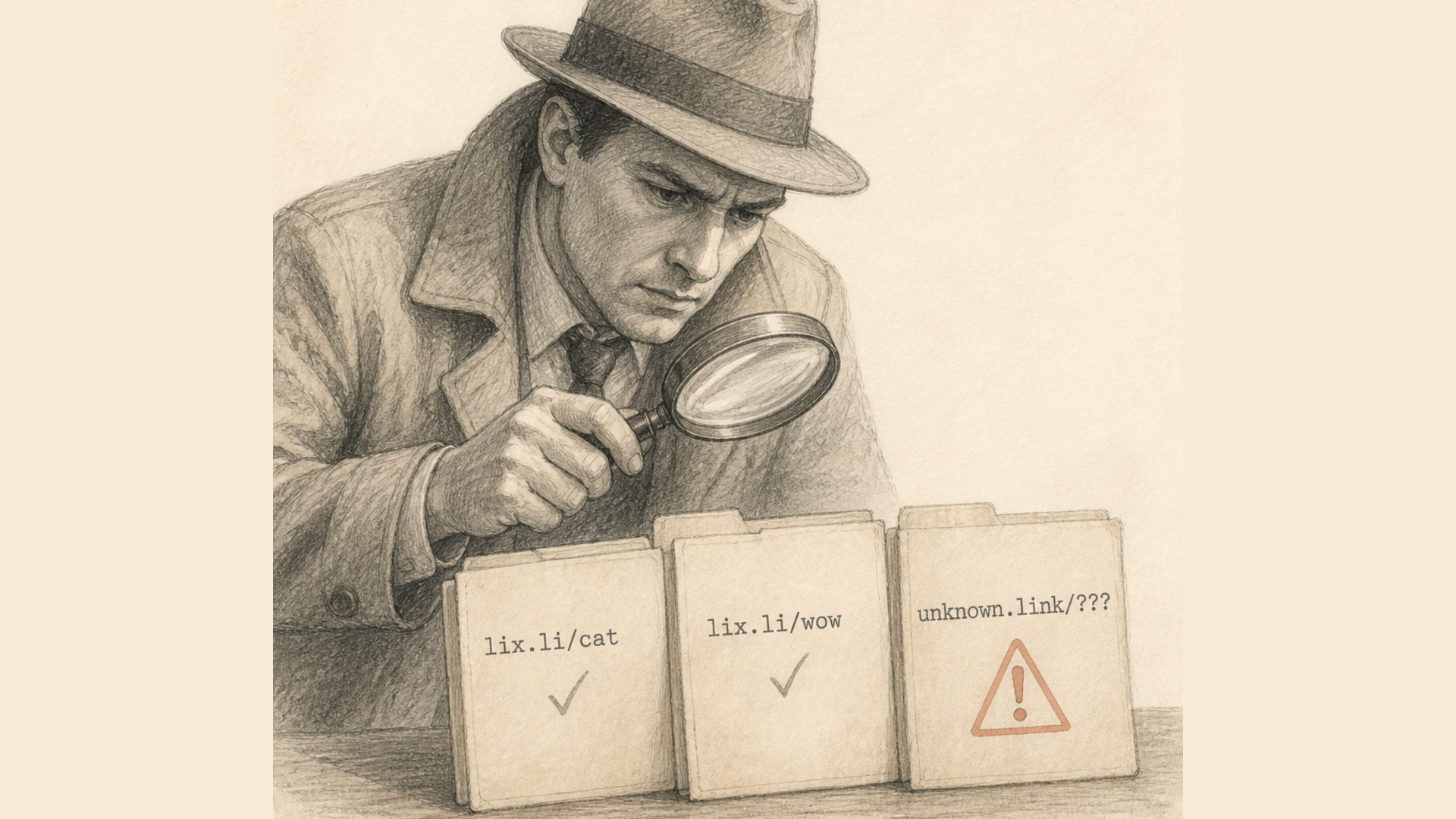
Use an expander service. A category of tools accepts a short link and returns the final address, sometimes with the full chain of intermediate hops. Some also render a screenshot of the destination.
Check reputation databases. VirusTotal runs the address against dozens of engines, and Google Safe Browsing reports whether the site appears on Google's unsafe list.
Be honest about what a clean result means. A freshly registered phishing domain will not be in any database yet — most are built to be used within hours of registration. Absence of a warning is absence of information, not a verdict of safety. This is the main limitation of the whole reputation approach, and it is why reading the address yourself still matters.
Four signals that settle it on their own
1. A scheme that should never be shortened
The address begins with javascript:, data:, file: or attachment:.
There is no legitimate use for these in a distributed link. javascript: attempts to execute code in the context of the open page. data: embeds the content directly in the address, bypassing any domain check — there is no domain to check.
Ordinary http: and https: are fine. So are application schemes such as tg:, sms: or market:, which simply open an installed app.
2. Credentials in the address
It reads as a link to PayPal. It goes to evil.top.
Everything before the @ is treated by the browser as a username and password — that part of the URL is the userinfo component defined in RFC 3986. The real host is whatever follows the @.
The trick is old and still works, because the eye anchors on the start of the string. Credentials never appear in a legitimate public link.
3. A bare IP address instead of a domain
A bare IP has no history, no reputation and no owner you can look up. A real business has no reason to publish a login form at an IP address when a domain costs almost nothing and is the entire basis of trust.
4. The link points straight at an executable
Extensions such as .exe, .scr, .jar, .ps1 or .hta at the end of the address.
This needs a caveat, because not all files are equal. Distributing your own installer through a short link is an ordinary scenario, and .apk, .msi or .dmg from a known vendor is unremarkable. But .scr — a Windows screensaver — and .hta have essentially no remaining legitimate use. Those two formats survive almost exclusively in attack tooling.
Impersonating a known brand
5. Someone else's brand in the domain
paypal-verify.top dhl-track.xyz amazon-delivery-status.online
The strongest signal you can read by eye. The logic is simple: if a domain invokes a brand but does not belong to that brand, someone wants you to confuse the two.
A common misconception is that phishing only lives in cheap zones. Attackers register in .com just as readily. A suspicious zone adds weight; a respectable one removes nothing.
6. Punycode and homographs
The domain starts with xn--, or the address shows characters that look like Latin letters but are not.
Cyrillic а, е, о, р, с are visually identical to Latin a, e, o, p, c. A domain where one Latin letter has been swapped for its Cyrillic twin looks exactly like the original but is a different domain entirely. Encoded, it becomes a string beginning xn--.
Punycode by itself is legitimate — every domain in a non-Latin script uses it. It becomes alarming precisely when the decoded name reproduces a known brand.
7. The shape of the domain
paypal.com.login.secure.top amazon-uk-delivery-tracking.xyz
The technique is called burying a real domain inside a foreign one. In the first example the actual host is top; paypal.com is merely part of a subdomain. Browsers read domains right to left, humans read left to right, and the whole attack lives in that gap.
The shape itself is the signal: too many levels of nesting, too many hyphens, an unnaturally long name. You do not need to recognise the brand for the shape to look wrong.
Find the last two elements before the first single slash. That is the real domain. Everything to the left of it is decoration.
Signs of a disposable domain
This group answers one question: was the domain registered for a real project, or generated in bulk for a campaign?
8. An identifier baked into the name
id-12345.top order_987.co track123.xyz
Names like these are produced automatically, often one per victim. A legitimate business wants a memorable name, not a serial number.
9. A domain made only of digits
Length is what matters here, and this is not a technicality. Short numeric domains can be entirely legitimate and very large: 163.com, 126.com, 58.com and 4399.com are all major Chinese services.
A ten-digit name such as 8729130461.top, on the other hand, is not something anyone registers by hand. Those appear in batches.
10. The domain zone
Zones differ in price and in barrier to entry, and that shows up in abuse statistics. Zones where registration costs pennies and requires no checks attract bulk registration.
Do not overreach with this one. Mass commercial zones — .shop, .online, .store, .info — are where ordinary retailers live, and lumping them in with .cfd produces constant false alarms. The zone decides nothing by itself. It only carries weight alongside other signals.
11. Free hosting and page builders
*.pages.dev *.web.app *.ngrok-free.app
The second-level domain here belongs to the platform and is shared by every user on it. Its reputation says nothing about any individual subdomain, and replacing a blocked subdomain costs nothing.
Enormous numbers of legitimate projects run on these platforms. But if a bank login form opens at such an address, it is not a bank.
Context
12. A chain of shorteners
You expanded the short link and got another short link.
There is almost never a legitimate reason to chain them. It is, however, a standard way to defeat inspection: a service checks the destination domain, finds a clean redirector, and the real address stays hidden one hop further on.
Keep expanding until you reach an ordinary domain.
13. A lure word in the domain
Fragments such as secure-, login-, verify-, account-, payment-.
The weakest signal on the list, and it should be treated that way — plenty of real companies use these words. Its value appears only in combination with the zone, the shape or the brand.
14. How the link reached you
The last signal is not in the address at all.
Were you expecting this link? Is the sender who they claim to be? Does the message push urgency — an account closing within the hour, a parcel held at customs, a prize expiring today? Did it arrive as a direct message from an account you do not know, or in a comment under someone else's post?
Urgency combined with a short link is a durable pattern. The rush exists precisely so that you skip everything described above.
Summary
| Group | Signal | Weight |
|---|---|---|
| Conclusive | javascript:, data:, file: scheme | One is enough |
| Conclusive | Credentials before @ | One is enough |
| Conclusive | Bare IP instead of domain | One is enough |
| Conclusive | Executable file (.scr, .hta) | One is enough |
| Brand abuse | Someone else's brand in domain | High |
| Brand abuse | Punycode carrying a brand | High in combination |
| Brand abuse | Domain shape, nesting, hyphens | Medium |
| Disposable domain | id-12345 pattern | Medium |
| Disposable domain | Long numeric domain | Depends on length |
| Disposable domain | Cheap zone | Low, only combined |
| Disposable domain | Free hosting subdomain | Low, only combined |
| Context | Chain of shorteners | Medium |
| Context | Lure word | Low, only combined |
| Context | How it reached you | Medium |
If you already clicked
Opening a link rarely infects anything by itself — a current browser does not execute arbitrary code from a page it renders. The damage starts afterwards.
- Enter nothing. No credentials, no one-time codes, no card details. The form is the objective, not the click.
- Close the tab and do not return through the same link.
- If you already submitted something, change the password on the real site immediately, typing the address by hand. For a bank, call the number printed on your card.
- If a file downloaded, do not run it. Delete it and scan the machine.
- Review active sessions on the affected account and end any you do not recognise.
Two persistent myths
"There is a padlock and HTTPS, so it is safe." A certificate confirms the connection is encrypted and nothing more. Free certificates are issued automatically in minutes, and phishing sites have used HTTPS for years. The padlock describes the channel, not the owner.
"A short link is inherently suspicious." Shortening is an ordinary tool: it saves space, makes clicks measurable and replaces an unreadable URL carrying a dozen parameters. The trade-offs are discussed in short links: pros and cons. The same reasoning applies to QR codes, which are simply a container for an address you cannot read before scanning — see what is a QR code.
The problem is not shortening. It is that the address cannot be read by eye. That is solved by expanding the link, not by avoiding the technology.
Reporting a malicious link
If a Lix.li short link leads to phishing or malicious content, report it through the abuse report page. Include the link itself and what opened behind it. Prohibited content is listed in the terms of service, and general questions go to support.
Reporting the destination is worth doing regardless of which shortener was used. Submitting the final address to Google Safe Browsing means that once confirmed, the warning reaches Chrome, Firefox and Safari users generally — not only the people who happened to receive that one short link.