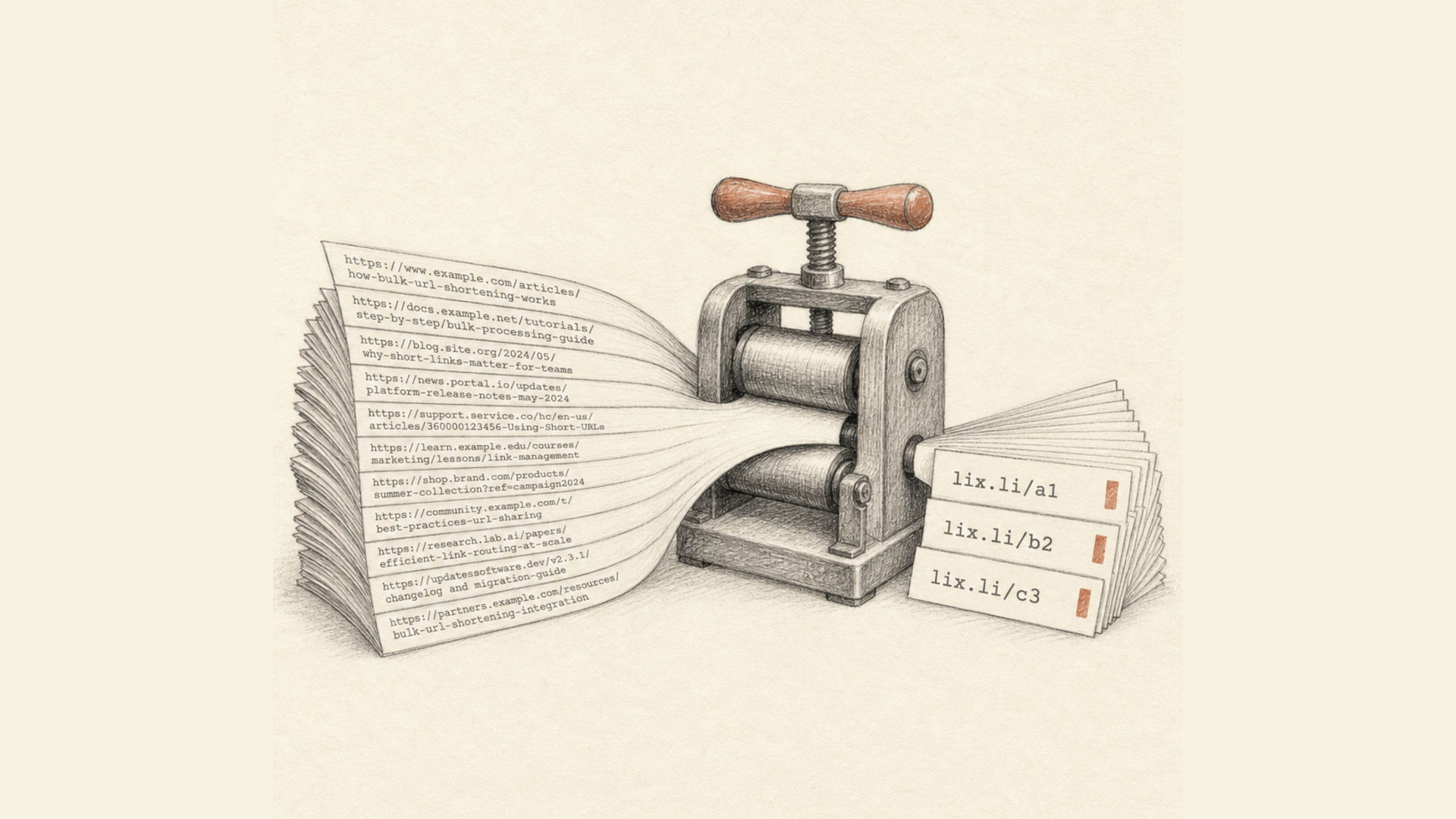
Long URLs are inconvenient to share in messaging apps, publish on social media, use in advertisements, or print on marketing materials. They take up unnecessary space, look untidy, and can even reduce user trust.
That's why URL shorteners have become an essential tool for marketers, website owners, developers, and everyday users.
In this guide, you'll learn how to shorten a URL for free, explore the different methods available, and discover why a modern URL shortener is much more than just a way to create shorter links.
What Is URL Shortening?
URL shortening is the process of converting a long web address into a short, easy-to-share link.
For example, instead of:
https://example.com/catalog/category/product?id=12345&utm_source=newsletter&utm_medium=email&utm_campaign=summer-sale
you get:
https://lix.li/abc123
When someone clicks the shortened link, they are automatically redirected to the original page.
Why Should You Shorten URLs?
Short URLs offer many advantages.
They:
- look cleaner and more professional;
- are easier to share on social media;
- are more convenient to send via Telegram, WhatsApp, and email;
- work perfectly with QR codes;
- let you track clicks and visitor statistics;
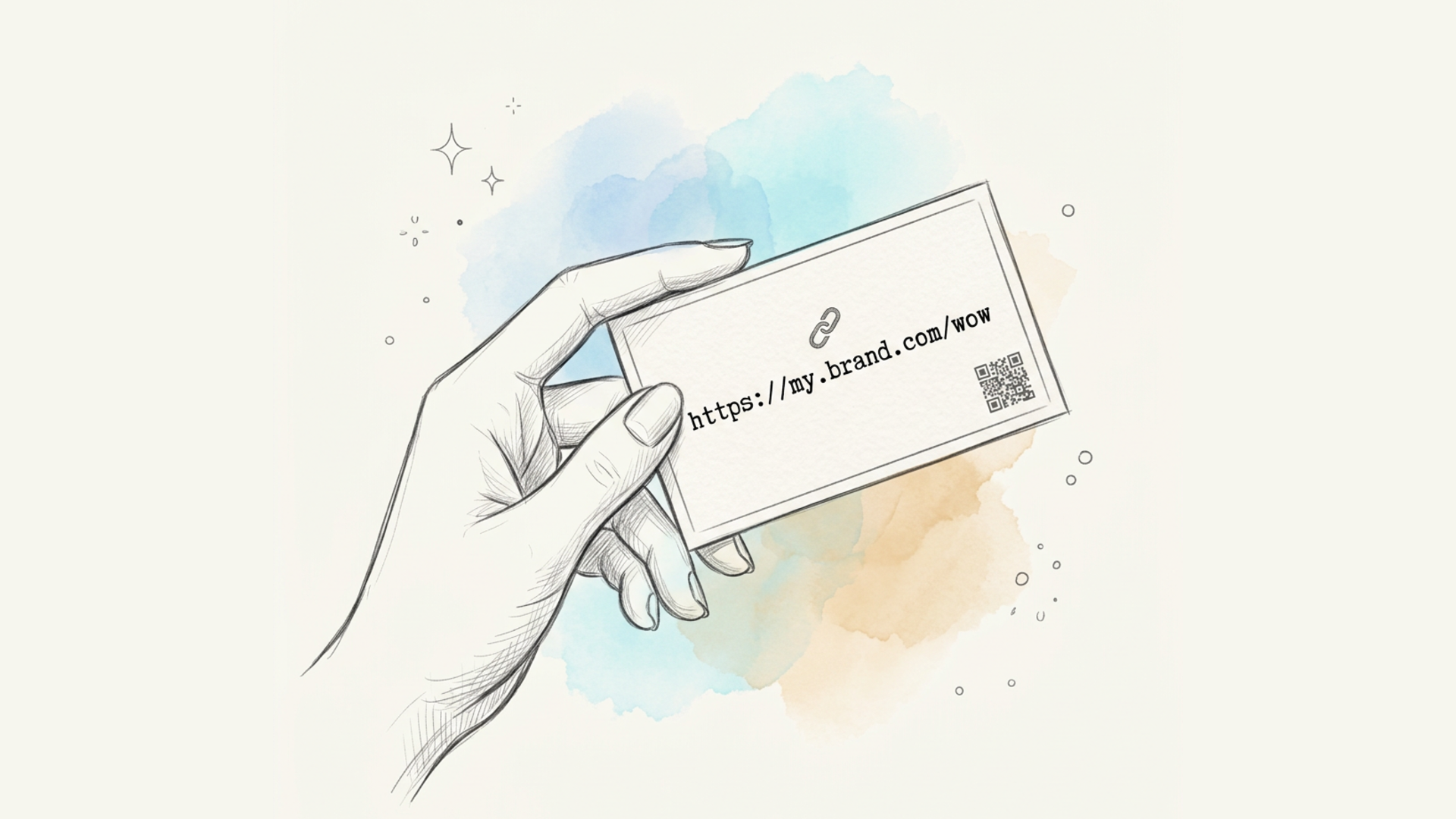
- can use custom aliases for better branding;
- help measure the performance of marketing campaigns.
How to Shorten a URL for Free
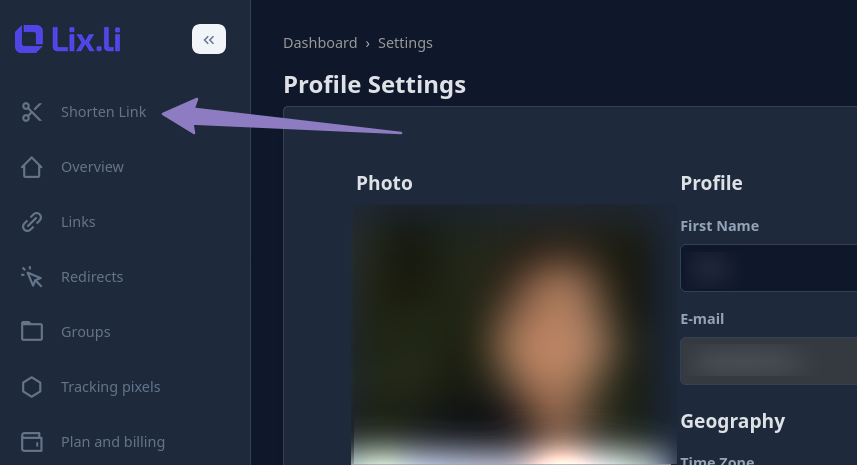
Shorten link
1. Use the Homepage
The easiest option is to use the online URL shortener.
Simply visit:
Paste your long URL into the input field and click the shorten button.
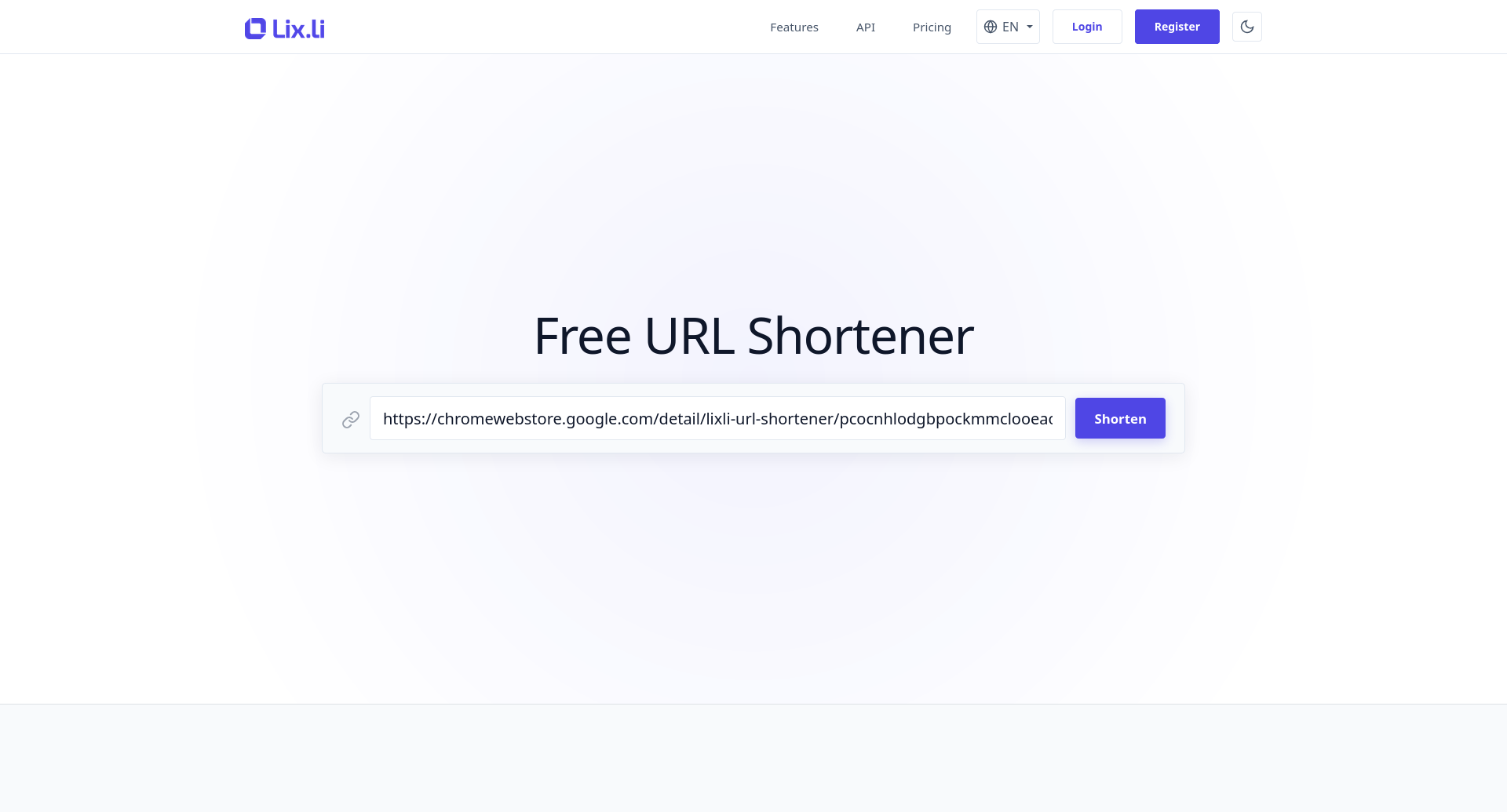
Within a second, your shortened URL will be ready to use.
2. Use Your Dashboard
If you create links regularly, using your personal dashboard is much more convenient.
After creating a free account, you'll gain access to additional features, including:
- link management;
- search;
- editing;
- deleting links;
- link groups;
- tags;
- click analytics;
- UTM parameters;
- QR code generation;
- custom domains.
All your links are stored in one place and remain accessible whenever you need them.
3. Use the REST API
Developers can automate URL shortening using the official REST API.
The API allows you to:
- shorten URLs automatically;
- generate thousands of short links within seconds;
- integrate URL shortening into your CRM;
- use the service inside your own applications;
- create short links automatically during customer registration or checkout.
This makes it an excellent solution for e-commerce stores, SaaS platforms, CRM systems, and marketing tools.
4. Use Browser Extensions
If you frequently shorten links manually, the easiest solution is to install the official browser extension.
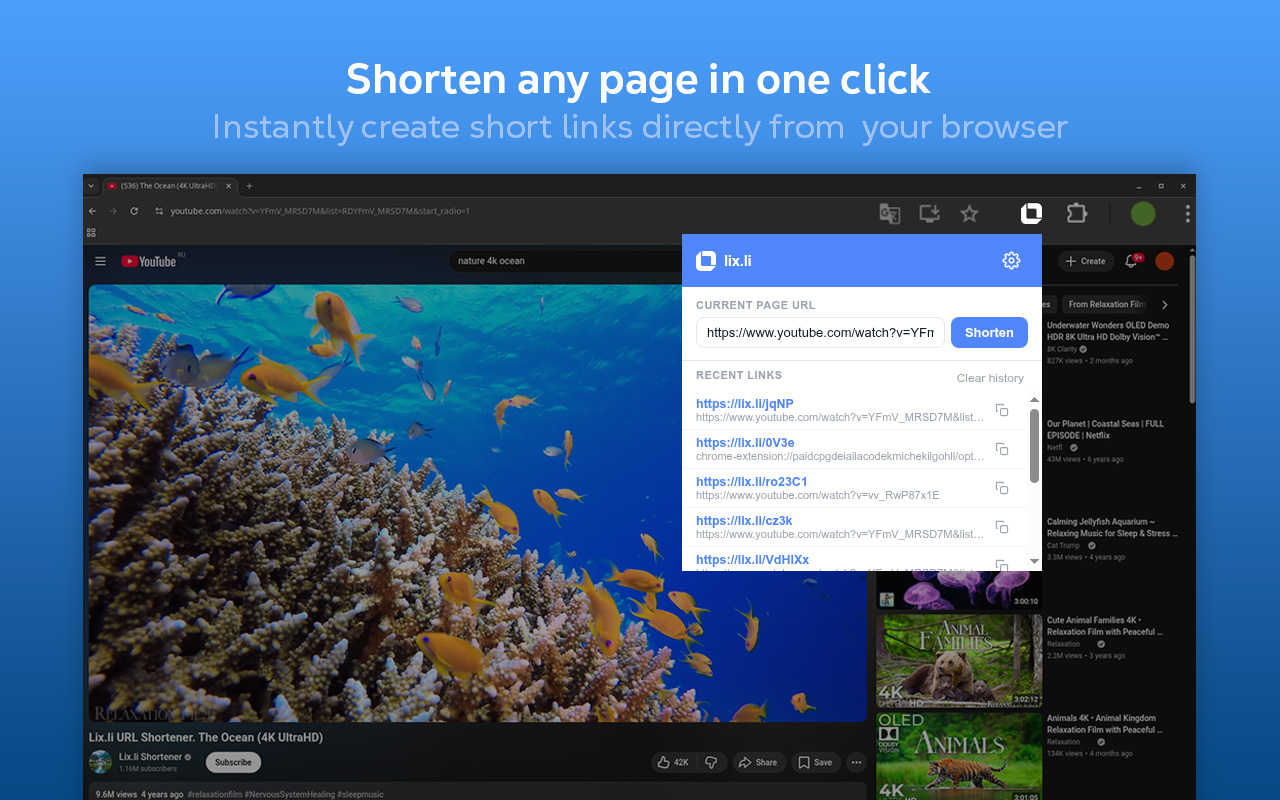
Official extensions are available for:
- Chrome — https://lix.li/chrome
- Firefox — https://lix.li/mzl
- Microsoft Edge — https://lix.li/edge
After installation, simply open any webpage and click the extension icon to instantly generate a shortened URL.
This is much faster than copying a URL and opening the website manually every time.
Lix.li Free Plan
Many URL shortening services limit free users to a small number of links.
Lix.li offers a generous free plan that lets you shorten a large number of URLs at no cost.
Even the free account includes access to most of the platform's core features, making it ideal for:
- personal use;
- bloggers;
- small businesses;
- online stores;
- marketers;
- developers;
- educational projects.
As your needs grow, you can always upgrade to a higher plan with additional features.
What Else Can a Modern URL Shortener Do?
Today, a URL shortener is much more than a tool for creating short links.
Modern platforms also provide:
- detailed click analytics;
- QR code generation;
- custom domains;
- UTM parameter support;
- REST API integration;
- automated link creation;
- browser extensions;
- centralized management for thousands of links.
These features make URL shorteners an essential part of modern digital marketing.
Are Short URLs Safe?
Yes—provided you use a trusted service.
Lix.li uses secure HTTPS connections and delivers fast redirects, ensuring users enjoy a seamless browsing experience while keeping their data protected.
When Should You Use Short URLs?
Short links are especially useful for:
- social media;
- Telegram;
- WhatsApp;
- email marketing;
- SMS campaigns;
- online advertising;
- QR codes;
- presentations;
- business cards;
- printed materials;
- podcasts;
- videos;
- mobile applications.
Conclusion
Creating a shortened URL for free takes only a few seconds. If you only need one short link, the online URL shortener is the fastest solution. If you regularly manage links, your dashboard, REST API, or official browser extensions provide even greater convenience.
Lix.li offers a free plan that lets you shorten a large number of URLs while also providing advanced analytics, automation, QR codes, and powerful link management tools.
If you'd like to create a short URL for free, try: