Introduction
A YouTube video link rarely looks tidy. This is especially true for links to a specific moment in a video, a video from a playlist, or a link with UTM parameters added for an ad campaign — in these cases, the address can stretch across a couple of lines of text. That kind of link is awkward to paste into a message, read out loud, print on a business card, or include in a post description.
In this article, we'll cover why you'd want to shorten YouTube links, how to do it in seconds with Lix.li, and how to set up a link so it opens the YouTube app directly on a viewer's phone instead of the mobile website in a browser.
Why Shorten a YouTube Link
Compactness and convenience
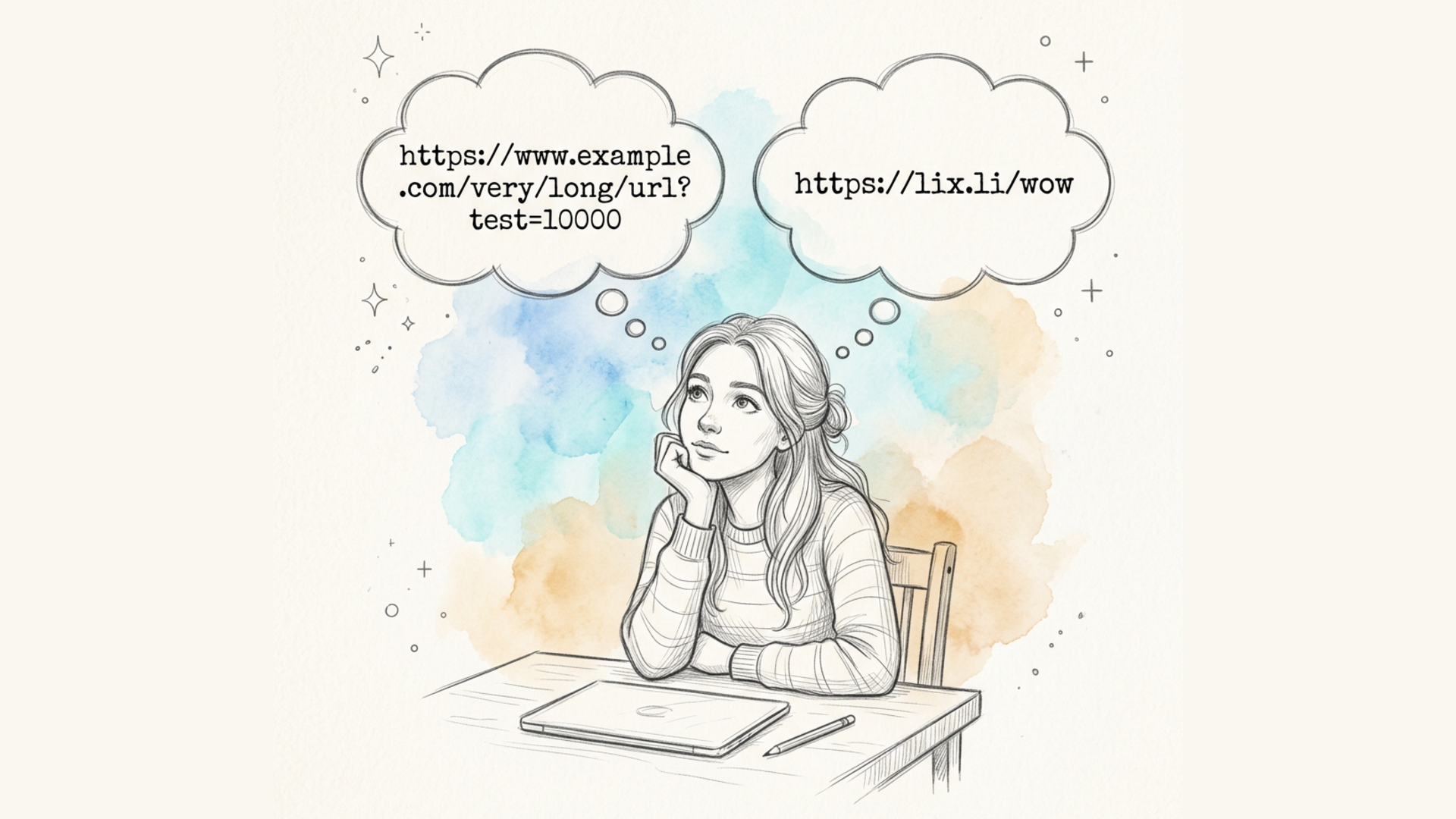
A regular YouTube video link looks something like this: https://www.youtube.com/watch?v=dQw4w9WgXcQ&list=PLxxxxxxxxxxxxxxxxxx&index=3&t=127s. Add UTM parameters for traffic tracking, and the address gets even longer. A short link like lix.li/video1 fits into any message, is easy to say out loud, and looks clean in printed materials.
Click analytics
A regular YouTube link doesn't show you who clicked it or when — that data is only visible in YouTube's own channel analytics, and not always with the level of detail you need. When you shorten a link through Lix.li, you get separate analytics for every click: the number of clicks, the viewer's country, device, and browser, and the traffic source. This is especially useful if you're distributing the same video link across different channels — email, social media, ads — and want to understand where most of your viewers are coming from.
Your own branding
If you regularly share links to your YouTube channel, a short link on your own domain (for example, go.yourbrand.com/video) looks far more polished and builds more trust with your audience than a standard YouTube link full of parameters.
Convenient for printed materials and QR codes
A short video link is easy to turn into a QR code and place on packaging, a business card, a banner, or in printed ads — unlike a long link, which is impossible to remember or fit neatly onto a small format.
How to Shorten a YouTube Link in Lix.li: Step-by-Step Guide
- Copy the full address of the YouTube video, channel, or playlist you want to shorten.
- Open the Lix.li link shortening service and paste the copied link into the input field.
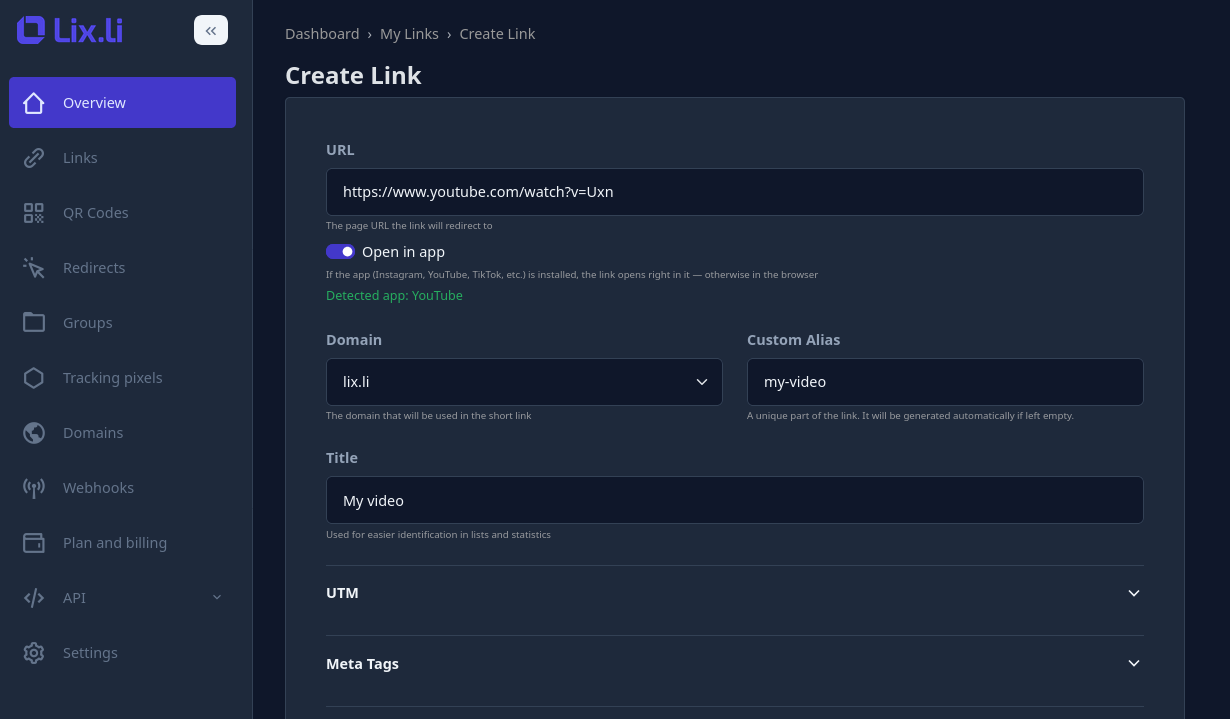
- If you'd like, set a custom alias (for example,
lix.li/my-video) — this makes the link easier to remember and say out loud. - Click the shorten button — the service instantly creates a short link, ready to use.
- Copy the finished link and place it wherever you need it: in a post description, an email newsletter, your bio, or on printed materials.
If you're already registered with Lix.li, the link is automatically saved to your dashboard, where click statistics are available, along with additional settings — such as a custom domain, a link expiration date, or a password for access.
How to Make a Link Open the YouTube App Directly
One of the most common frustrations: a user clicks a YouTube video link on their phone, and instead of the app they already have installed, the mobile version of the website opens in a browser — complete with ad banners and a less-than-ideal interface. The deep link technology solves exactly this problem.
What is a deep link, in simple terms
A deep link is a short link that, when clicked, automatically opens the right app (YouTube, in this case) if it's installed on the user's device — and if it isn't, it simply opens the regular web version in a browser. The user doesn't have to choose anything manually: the link figures out on its own what's more convenient for them and takes them there instantly.
This is especially useful for YouTube links: the viewer lands right on the intended moment of the video directly inside the app — with the familiar interface, without the extra ads of the mobile site, and without having to search for the video again.
How to enable a deep link for a YouTube link
- When creating or editing a short link in Lix.li, paste the YouTube video address into the URL field.
- The service automatically recognizes that the link points to YouTube and offers to enable opening in the app.
- Turn on that setting — from then on, the link will automatically open the YouTube app on devices where it's installed, and the regular web version on a computer or where the app isn't installed.
For more on how this technology works across different devices and which other apps are supported, check out our article What Is a Deep Link and How Does It Work.
Conclusion
Shortening a YouTube link is a simple way to make it more convenient for your audience while also getting useful click analytics that a standard link from the service itself doesn't provide. With Lix.li, you can shorten a link to a video, channel, or playlist in seconds, and set it up to automatically open the YouTube app on a viewer's phone — with no extra steps on their end and no loss of viewing convenience.