Introduction
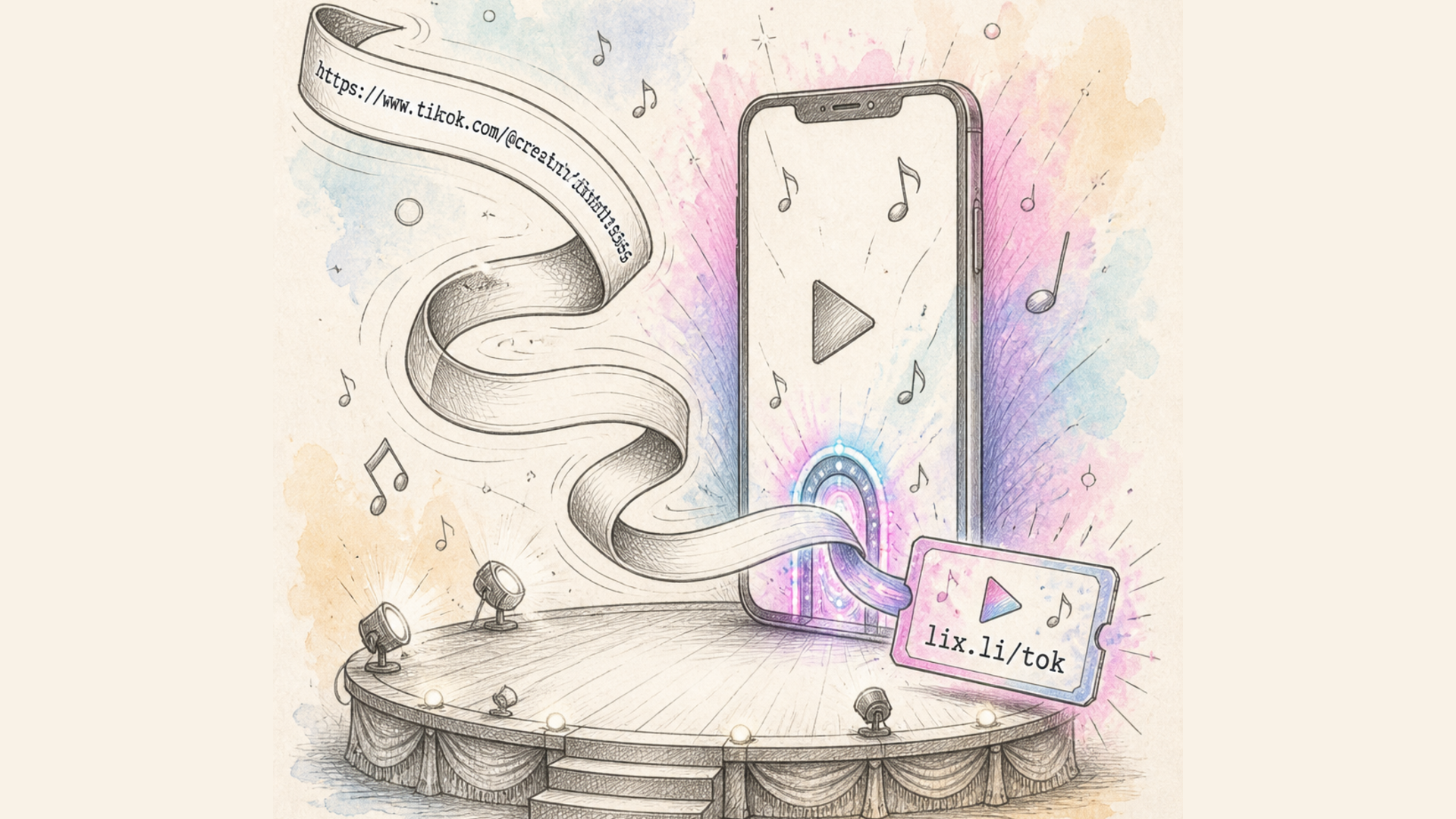
Every day, millions of people click short links like lix.li/a1B2c3 without ever thinking about what happens between the click and the page loading. In reality, quite a lot happens in that split second: a server has to instantly locate the correct long URL, redirect the browser, log the click data — all within milliseconds.
In this article, we'll break down how URL shorteners work under the hood: what technologies power them, how short codes are generated, where the analytics come from, and why this is a lot more complex than it looks.
What Is a URL Shortener
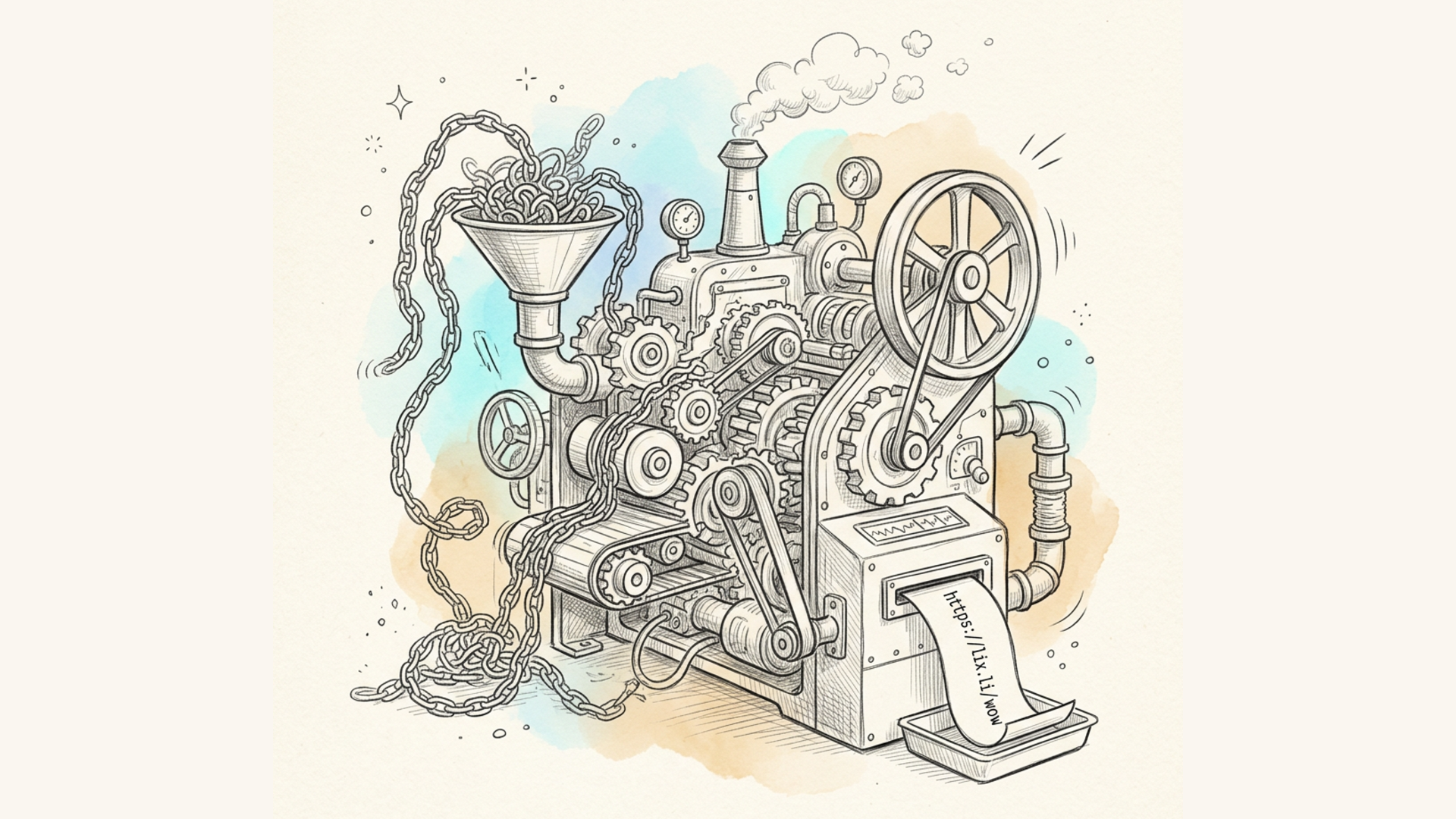
A URL shortener is a service that turns a long URL (for example, https://example.com/products/category/electronics/smartphones?ref=newsletter&utm_campaign=summer2026) into a compact link like lix.li/xY7z9Q. When a user clicks the short link, they're automatically redirected to the original long address.
It sounds simple, but behind it is a full infrastructure: a database, algorithms for generating unique identifiers, a redirect system, and an analytics engine.
The Core Mechanism: HTTP Redirects
At the heart of every URL shortener is the HTTP redirect — a standard web protocol mechanism that tells the browser: "the content you want lives at a different address." Here's what happens when someone clicks a short link:
- The browser sends a request to the shortener's server (e.g.,
lix.li/xY7z9Q). - The server looks up which long URL corresponds to the code
xY7z9Qin its database. - The server responds with an HTTP status code of 301 or 302, along with a
Locationheader pointing to the original URL. - The browser automatically issues a new request to the long URL and loads the destination page. The entire process takes milliseconds and is invisible to the user.
301 vs. 302: What's the Difference
Choosing the redirect status code is an important technical decision that affects how browsers and search engines behave:
- 301 (Moved Permanently) — a permanent redirect. Browsers and search engines cache it and may start requesting the final destination directly in the future. This slightly reduces load on the shortener's server, but makes precise click tracking harder, since repeat visits may bypass the server entirely.
- 302 (Found / Temporary Redirect) — a temporary redirect. Every single click has to pass through the shortener's server, which allows for accurate, complete click tracking. This is why most analytics-driven services — including Lix.li — use 302.
How Short Codes Are Generated
One of the most interesting engineering challenges is generating short, unique, non-colliding codes for millions of links. There are several common approaches.
1. Incremental Counter with Base62 Encoding
One of the most widely used methods. Each new link is assigned a sequential number (1, 2, 3…) from an auto-incrementing counter in the database. That number is then converted from base 10 into base62 — a numeral system using 62 characters: a–z, A–Z, 0–9.
Why 62 characters? Because they're all URL-safe and produce a compact result. For example, the number 125,000 becomes just 4 characters in base62. This keeps codes short while growing predictably as the counter increases.
2. Hashing
Another approach is computing a hash (e.g., MD5 or SHA-256) of the original URL and using the first several characters as the short code. This method is convenient because it doesn't require a centralized counter, but it introduces the risk of collisions — different URLs producing the same hash prefix — which requires additional collision-handling logic.
3. Random Generation with Uniqueness Checks
The service generates a random string of a fixed length (typically 6–8 characters) and checks the database to see if it's already taken. If it is, a new one is generated. This approach is the simplest to implement, but as the number of links grows, so does the collision probability — making efficient database indexing essential.
4. Custom Aliases
Many services, including Lix.li, let users define their own short code instead of relying on an auto-generated one — for example, lix.li/summer-sale instead of a random string. This is especially useful for marketing campaigns where a memorable link matters.
Database Architecture
At its core, every URL shortener relies on a simple but critical mapping table: short code → long URL. A simplified structure might look like this:
| Field | Description |
|---|---|
short_code |
Unique short identifier |
original_url |
Full original address |
created_at |
Date the link was created |
expires_at |
Expiration date (if applicable) |
clicks_count |
Click counter |
owner_id |
ID of the user who owns the link |
| As traffic grows, a simple code-to-URL mapping isn't enough. Larger services rely on: |
- In-memory caching (Redis, Memcached) — the most popular links are cached to avoid a database lookup on every single click.
- Database sharding — splitting data across multiple servers to distribute load.
- CDNs and geographically distributed servers — so redirects happen as fast as possible regardless of the user's location.
Analytics Collection
Beyond simple redirection, modern URL shorteners collect data on every click. This is one of the core value propositions for marketers and business owners. On each click, the system can capture:
- Timestamp of the click
- Geographic location — derived from the IP address via geolocation databases
- Device and browser — parsed from the request's User-Agent header
- Referrer — where the click came from (social media, messaging app, website)
- Unique vs. repeat clicks — tracked via cookies or hashed IP addresses This data is aggregated and displayed on dashboards, allowing users to understand campaign performance, compare traffic channels, and optimize their marketing spend.
Additional Mechanisms
QR Codes
Many shorteners automatically generate a QR code for every short link. Technically, this is just a visual representation of the same short URL, encoded according to the QR standard — when scanned, the camera decodes the embedded text and opens the browser at that address.
Spam and Malicious Link Protection
Because a shortened link hides its real destination, these services are an attractive target for phishing and malware distribution. To protect against abuse, services typically implement:
- Blacklist checks against destination URLs (Google Safe Browsing, Spamhaus, and similar databases)
- Reputation analysis of the destination domain
- Rate limiting on link creation per IP address or account
- Interstitial warning pages for suspicious domains
Link Expiration
Some short links are created with a limited lifespan — once that period ends, the redirect stops working or shows an "expired" message instead. This is useful for time-limited promotions and campaigns.
Why It's Not as Simple as It Looks
At first glance, a URL shortener seems like "just a redirect." But in practice, a service that needs to handle thousands or millions of clicks per second requires serious engineering work around:
- Minimizing redirect latency (ideally under 50ms)
- Fault tolerance and distributed data storage
- Abuse prevention
- Accurate, high-performance analytics collection without data loss That's why a well-built URL shortening service isn't just a short-link generator — it's a full infrastructure platform.
Conclusion
URL shorteners have evolved from simple short-address generators into full-featured marketing tools with analytics, customization, and abuse protection. Understanding how this technology works under the hood helps you make better use of it — whether you're creating a short link for social media, tracking the performance of an ad campaign, or generating a QR code for offline materials.