You pick a service not on price and not on the length of its feature list, but on six criteria — each of which either can be checked before you integrate, or cannot. If a criterion can't be checked, that is already your answer.
The common mistake is to look at the request limit and assume it describes capacity. It doesn't: shorteners usually have two independent limits, and the one that stops you is the one you didn't think about.
Below, per criterion: what to look at, what Bitly documents, and what our numbers are.
Criterion 1. The rate limit has to be a number
Useful documentation reads: "35 requests per minute, 2,000 per hour." Useless documentation reads: "limits depend on your plan, check your account settings."
The difference isn't the wording, it's whether you can compute capacity in advance. If links are created on a user action, you need to know how many concurrent users it takes to hit the ceiling. Without a published number you find out on live traffic.
Here is what Bitly documents: a maximum of five concurrent connections from a single IP address; the per-minute limit equals one-tenth of the hourly one; /v4/shorten is given as an example at 1,000 calls per hour. Exact per-plan values are not on that page — the docs send you to your account settings.
That five-connection limit per IP matters more than it looks. If your application runs behind a single egress address — and in containerised infrastructure it usually does — your client's parallelism is capped at five, no matter how many hourly requests you were sold.
Criterion 2. Is it requests that are limited, or links?
This is the second limit, and it is usually the one that halts the work.
In Bitly's plan table these two numbers live in different sections, and you have to line them up yourself. On the free plan: 1,000 API requests per month — and 5 short links per month. The request quota is decorative; you can call the API a thousand times and still not create a sixth link.
So the first question to ask any service is: what is being counted, calls or created links? And if both are counted, which of the two runs out first on your load profile.
Criterion 3. What happens when the limit runs out
A limit is not only a number but a behaviour. Establish before integrating:
- which status code comes back.
429is expected, but it matters whether the service distinguishes a per-minute limit from a monthly quota: those are different failures with different fixes; - whether the response carries the remainder. If the service returns what's left, you can throttle ahead of time. If not, you learn about the problem when it refuses;
- how batch calls are counted. The most common trap. If a method creates 100 links in one request, does it spend one unit of limit or a hundred? Ours spends a hundred: a batch of 100 links consumes 100 units, because otherwise the batch method would be a way around the rate limit. Check how your candidate handles this, or your capacity estimate will be wrong by a factor of a hundred.
Criterion 4. The authentication method
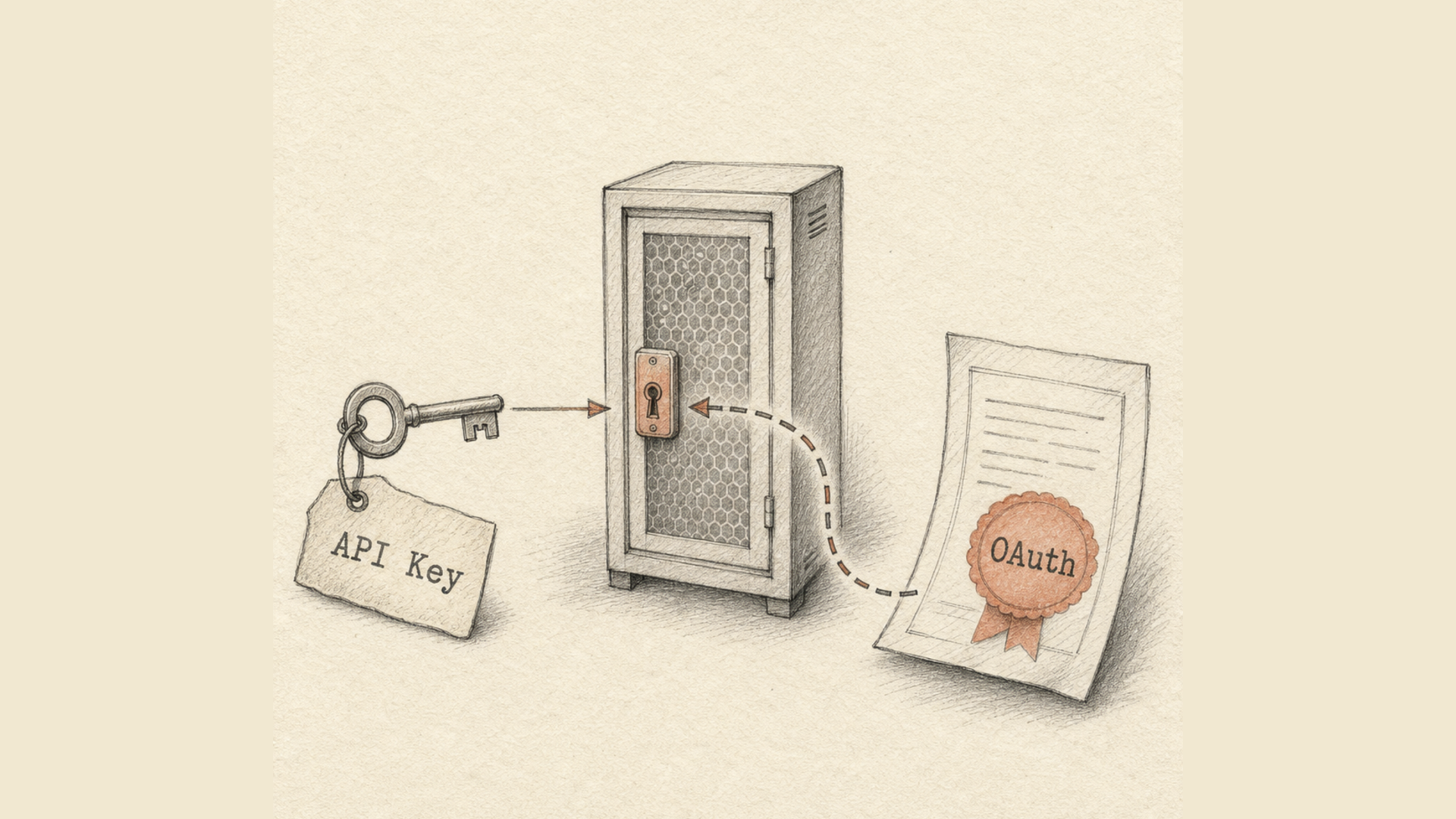
The rule is simple: with no third party involved, a key is enough, and OAuth adds work without adding safety. Your server calls the API under your own account — that's a key in a header. Someone else's application calls it on behalf of your users — that's OAuth.
What to look for in a candidate's docs:
- how the secret travels. A header is fine. A query-string parameter is not: URLs settle into web server logs, the
Refererheader and browser history; - whether one key can be revoked without breaking the rest. One key per integration means you can revoke a compromised one without stopping everything;
- how current the OAuth scheme is, if there is one.
That last point deserves unpacking. In January 2025 the IETF published RFC 9700, the current best practice for OAuth 2.0 security. It formally deprecated the implicit grant and resource owner password credentials — the flow where an application asks the user for their login and password directly.
And Bitly's authentication page still describes the Resource Owner Credentials Grant as a supported method, alongside exchanging a username and password for a token via POST /oauth/access_token and HTTP Basic for command-line applications. That is not a vulnerability in itself, but it is a sign the documentation trails the current edition of the practices.
Criterion 5. Response speed, and why someone else's numbers are worthless
Two different quantities get mixed up routinely. Redirect latency is how long the person who clicked the short link waits. API latency is how long your code waits while creating a link. The first affects conversion; the second decides whether you fit inside your handler's timeout.
Numbers from marketing material are worth nothing here: they were measured from somewhere other than your region, at a volume other than yours, on a plan other than yours. This takes ten minutes to measure, and only you can do it:
- Get a trial key from two or three candidates.
- Create a hundred links sequentially, recording the time of each request.
- Look at the 95th and 99th percentiles, not the mean. The mean hides exactly the cases that break your handler.
- Repeat it from the region where your production runs, not from your laptop.
- Measure redirect latency separately — it has nothing to do with the API response.
If a candidate won't give you trial access without a call with a sales rep, that is also a measurement result.
Criterion 6. Documentation you can verify
| Sign | What it means |
|---|---|
| A machine-readable OpenAPI specification | you can generate a client instead of hand-writing wrappers |
| Error codes documented, not just successful responses | failures can be handled before they happen |
| Limit behaviour described | capacity can be computed before launch |
| Examples with real response fields | you won't be discovering the format by substitution |
| The specification matches the code | the most important and the rarest |
The last point takes five minutes to check from outside: take three or four endpoints from the docs and call them without a key. A 401 means the route exists and wants authorisation. A 404 means the documentation describes something that isn't there.
Side by side, with numbers
The Bitly figures come from its pricing page as of October 2026; prices and limits change, so check the current page before deciding. Ours come from the service's code.
| Bitly Free | Bitly Growth | Bitly Premium | Lix.li Free | Lix.li Pro | Lix.li Premium | |
|---|---|---|---|---|---|---|
| Price per month, billed annually | $0 | $29 | $199 | $0 | $5 | $13 |
| Links per month | 5 | 500 | 3,000 | 250 | unlimited | unlimited |
| Of those, via the API | — | — | — | 150 | 500 | unlimited |
| API calls per month | 1,000 | 25,000 | 50,000 | not capped | not capped | not capped |
| Requests per minute | not published | not published | not published | 15 | 35 | 60 |
| Webhooks | — | — | — | — | — | yes |
| Analytics history | — | 120 days | 1 year | 30 days | 365 days | 3 years |
| Bulk upload | — | 100 per file | 3,000 per file | — | 100 per month | unlimited, 30,000 per day |
Three things in that table deserve a careful read.
The two services limit along different axes. Bitly caps calls per month; we cap frequency per minute and per hour. Neither is better in the abstract — they are different regimes. A monthly quota runs out for good until the first of the month; a per-minute limit restores itself in a minute. The second suits peaky load, the first suits a steady background trickle.
Bitly's webhooks are Enterprise-only, which means quote-only. Even the $199-a-month tier does not include them. If your application needs click events, that's a conversation with sales.
Honest caveats on our side. Our webhooks aren't on every plan either — Premium only. There is no file-based bulk upload on the free plan. Analytics history on free is 30 days, not a year.
What Lix.li actually offers
Limits are published and tied to the plan: 15 requests per minute and 600 per hour on free, 35 and 2,000 on Pro, 60 and 3,600 on Premium. Through the API you can create 150 links a month on free, 500 on Pro, and an unlimited number on Premium.
Custom limits are available on request. This is not a marketing hedge but a separate mechanism: an individual client's limit is stored apart from the plan, carries its own validity period, and is checked before the plan's. If your load profile doesn't fit the standard grid — a one-off migration of a million links, say, or a scheduled recurring spike — write to us and we will raise the ceiling for your case, instead of pushing you onto a tier you don't need for the other twenty-nine days of the month.
Authentication is a key in the X-Api-Key header. Keys are created and revoked in the dashboard, each carries its own limit, and matching is done by hash. There is no OAuth, deliberately: the use cases are server-side, and no third party appears that a user would need to consent to.
Documentation is an OpenAPI 3.1 specification plus an interactive page. The endpoints cover links, groups, A/B tests and conversions. Response codes are in the API documentation, and what the service does around it is on the short link API page.
How to decide in one evening
Links created from your backend, no third-party apps
    → key in a header, no OAuth needed

Links created on a user action
    → size the per-minute limit against your peak, not your average

Loading catalogues and exports
    → look for a batch method and ask how it spends the limit

You need click events
    → check which plan has webhooks, and whether that plan is Enterprise

Your load profile doesn't fit the pricing grid
    → ask about a custom limit before paying for the higher tier

The service doesn't publish limits as numbers
    → assume none were promised to you
Two pieces for the integration stage: what webhooks are, if you'd rather receive events than poll for statistics, and the breakdown of 301, 302, 307 and 308 redirects, which explains why a 301 turns a POST into a GET and how that breaks postback handling. If links arrive in batches from an export, look at the bulk URL shortener.
One last thing. The only criterion you cannot check against documentation is what happens when your volume grows. Which is why a trial key and a couple of hundred requests from your own environment are worth an evening — spent before the service lands in your architecture diagram, not after.