Introduction
Chances are you've pointed your smartphone camera at a black-and-white square pattern — on a product package, a café menu, or a billboard — and instantly landed on a link, a contact card, or a payment screen. That's a QR code: one of those technologies that has quietly but firmly become part of everyday life. In this article, we'll break down what a QR code actually is, how it's built, where it came from, and why it's become so popular right now.
What Is a QR Code, in Simple Terms
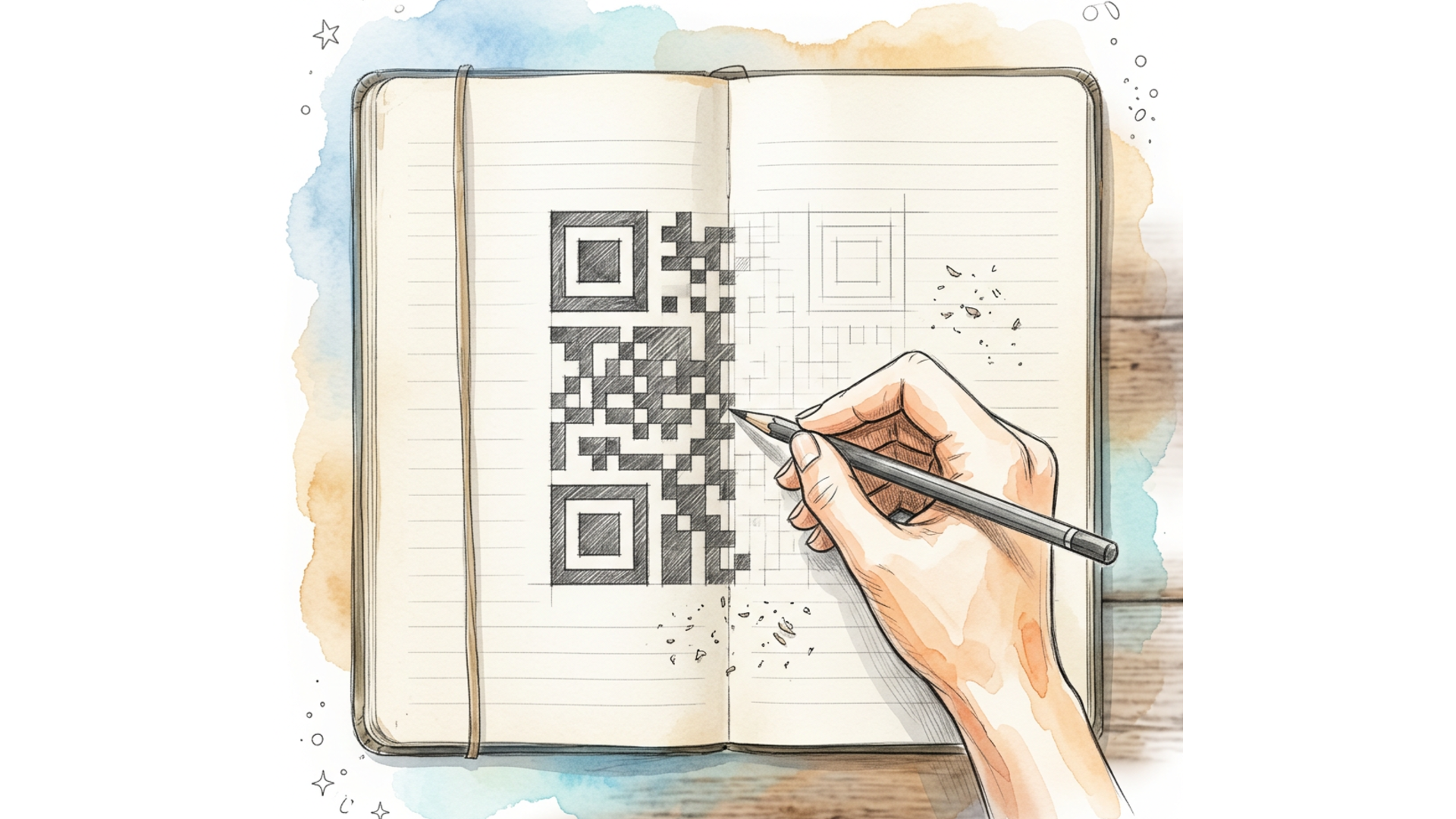
A QR code (short for Quick Response) is a two-dimensional barcode — a graphic image that encodes information such as text, a link, a phone number, payment details, or something else. Unlike a traditional one-dimensional barcode, the kind you'd see on a product at a store, a QR code stores data both horizontally and vertically, which lets it hold far more information in the same amount of space. You can scan a QR code with a smartphone camera or a dedicated scanner: the device recognizes the pattern, decodes it, and instantly performs the encoded action — opening a website, displaying text, or launching a payment.
A Bit of History
Как изобрели QR-код. Lix.li
 The QR code was invented in Japan in 1994. The technology was created by Denso Wave, a subsidiary of the Toyota automotive group, to solve a very practical problem: Toyota's assembly lines needed a way to quickly and accurately track car parts at every stage of production.
At the time, standard barcodes could hold no more than 20 characters and often required several labels to capture full information about a single part. A Denso Wave engineer named Masahiro Hara led the development of a new format that could pack significantly more data into a single compact image while still being readable quickly and from any angle.
Interestingly, the idea was partly inspired by the board game Go: the characteristic arrangement of black and white stones gave the engineers a clue about how to structure the code. The result was a QR code with distinctive square markers in three corners, allowing a scanner to instantly determine the code's position and orientation, even if it's tilted or partially distorted.
Notably, Denso Wave deliberately chose not to lock the technology behind a restrictive patent, instead making the QR code specification open and free to use. That decision played a major role in the technology's rapid, worldwide adoption.
The QR code was invented in Japan in 1994. The technology was created by Denso Wave, a subsidiary of the Toyota automotive group, to solve a very practical problem: Toyota's assembly lines needed a way to quickly and accurately track car parts at every stage of production.
At the time, standard barcodes could hold no more than 20 characters and often required several labels to capture full information about a single part. A Denso Wave engineer named Masahiro Hara led the development of a new format that could pack significantly more data into a single compact image while still being readable quickly and from any angle.
Interestingly, the idea was partly inspired by the board game Go: the characteristic arrangement of black and white stones gave the engineers a clue about how to structure the code. The result was a QR code with distinctive square markers in three corners, allowing a scanner to instantly determine the code's position and orientation, even if it's tilted or partially distorted.
Notably, Denso Wave deliberately chose not to lock the technology behind a restrictive patent, instead making the QR code specification open and free to use. That decision played a major role in the technology's rapid, worldwide adoption.
How a QR Code Is Built, Technically
Take a closer look at a QR code, and you'll notice several recurring elements:
- Three large squares in the corners — these help a scanner quickly identify the code's boundaries and its orientation in space, regardless of the shooting angle.
- A smaller square near the fourth corner — used for more precise perspective correction in larger codes.
- The data area — the main field of black and white modules (pixels) where the actual information is encoded.
- The error correction area — the part of the code that allows the data to be read even if part of the image is damaged, dirty, or covered by a logo. Built-in error correction is one of the QR code's biggest strengths. Depending on the correction level chosen, a code can remain readable even if up to 30% of its surface is damaged. This gives designers flexibility — for instance, a brand logo can be placed right in the center of a QR code without breaking its functionality. A QR code can store various types of data: plain text, a URL, a phone number, a vCard contact, Wi-Fi network credentials for automatic connection, or payment details. Maximum capacity can reach several thousand characters, depending on the code's version and the type of data being encoded.
Advantages of QR Codes
High Information Density
A QR code can store significantly more data than a traditional linear barcode while remaining compact.
Fast Scanning
Thanks to the distinctive corner markers, a code can be scanned almost instantly, from different angles, and even when the image is partially obscured.
Damage Resistance
Built-in error correction lets a code remain functional even when it's partially dirty, damaged, or creatively styled.
No Special Equipment Required
A QR code can be scanned with an ordinary smartphone camera — no dedicated scanner needed, which makes the technology accessible to virtually any user.
Versatility
The same code format can be used for a wide range of purposes, from payments and authentication to storing contacts and launching apps.
Cost-Effectiveness
Generating and printing a QR code costs next to nothing, and the technology's specification remains open and free to use.
Where QR Codes Are Used Today
Payments
One of the most widespread use cases is paying for goods and services via QR code. The user scans a code at checkout or on a bill, and their banking app automatically fills in the payment details — a practice especially common across Asia and steadily gaining traction worldwide.
Marketing and Advertising
QR codes on packaging, print ads, billboards, and business cards direct users to a website, a social media page, or a campaign landing page. It's a convenient bridge between offline and online channels — and one that also lets marketers track click statistics, provided the code was generated through a link shortening service with built-in analytics.
Restaurant and Café Menus
Since the pandemic, QR codes have become the standard for digital menus: guests scan a code on their table and view an up-to-date menu on their smartphone screen, with no need to print or update paper versions.
Tickets and Boarding Passes
Airlines, cinemas, and event organizers use QR codes as digital tickets — simply showing the code on a phone screen is enough for a quick check at the entrance.
Logistics and Inventory
QR codes are used to label products, track shipments, and manage warehouse inventory — their high information density allows a code to hold not just an identifier, but additional metadata as well.
Wi-Fi Connections
Many routers and cafés use a QR code for instant network access — instead of manually typing in a password, users simply scan the code with their smartphone camera.
Business Cards and Contacts
A QR code containing vCard data lets you instantly save a contact to your phone by scanning a code from a business card or a conference badge.
What to Keep in Mind When Using QR Codes
Despite all their advantages, QR codes come with a few things worth keeping in mind:
- Destination opacity. Users can't see where a code leads until they scan it, which creates room for scams involving fake QR codes, especially in public spaces.
- Dependence on connectivity. If a QR code leads to a website, an internet connection is required to open it.
- Size and print quality. A code that's too small or poorly printed may be difficult for a camera to scan. To minimize these risks, it's worth using reliable code generation services, placing codes in controlled locations whenever possible, and — where it matters for a business — using QR codes with a custom branded domain, which builds user trust and reduces the risk of spoofing.
Conclusion
A QR code is a system that looks simple at first glance but is technically well thought out — one that, over the past thirty years, has evolved from a niche tool for the automotive industry into a universal element of everyday digital life. Its popularity comes down to a winning combination of factors: high information density, resistance to damage, ease of scanning, and complete accessibility of the technology. Understanding how a QR code works and where it's used helps you put it to more effective use in your own projects — whether that's a marketing campaign, a payment flow, or a digital menu.